SealsDigital Studio
Create your own stamp © sealsdigital.com
PreviewStamp size · 38 mm
Loading...
Select ElementSelect Element
Online stamp design maker: editable stamp templates
Pick a company seal, rubber stamp, date, address, or logo stamp template, then edit every line in the stamp maker before you export.
India seals maker Company seals maker Design seals maker Custom stamps maker Bank stamps maker Medical stamps maker Business stamps maker Wedding stamps maker Justice stamps maker Notary stamps maker Library seal maker Rubber Stamp maker Government seal maker Corporate stamps maker Stamp received maker School stamp maker Text stamp maker Date stamp maker Logo stamp maker Red stamp maker Square seal maker Deposit only stamp maker Address stamp maker Blanc round stamp maker Rectangular stamp maker

Editable Company Seal for the SealsDigital Seal Maker — #9082560
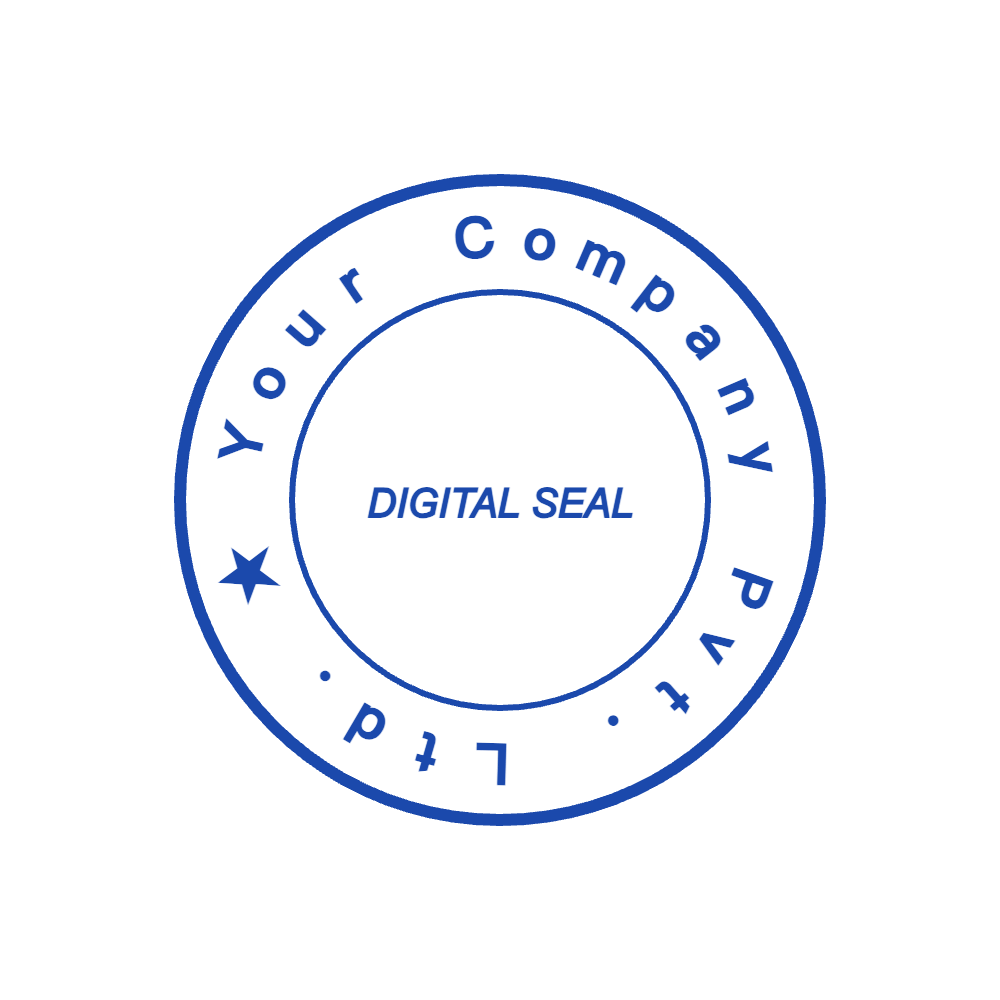
SealsDigital Company Seal Starting Layout — #9633815
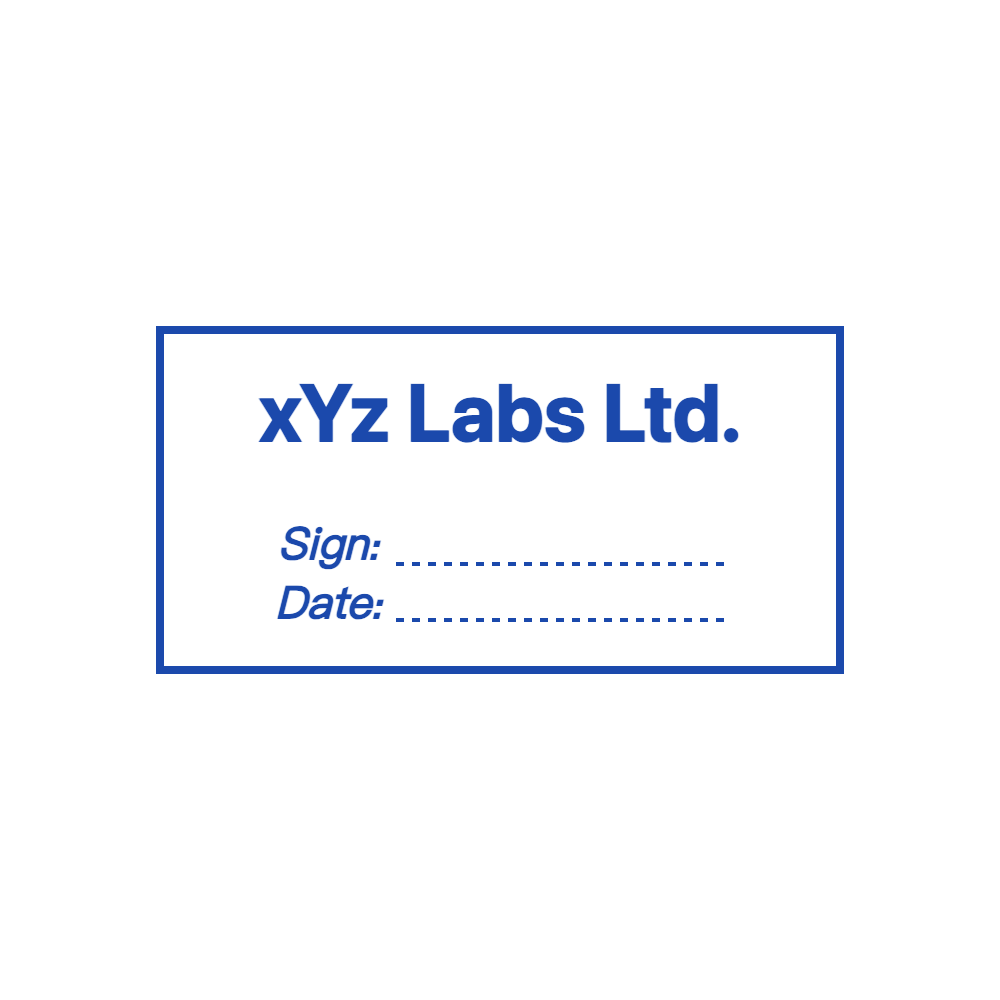
SealsDigital Rectangular Notary Stamp Design — #0463223

SealsDigital Round Corporate Seal Design — #1450933
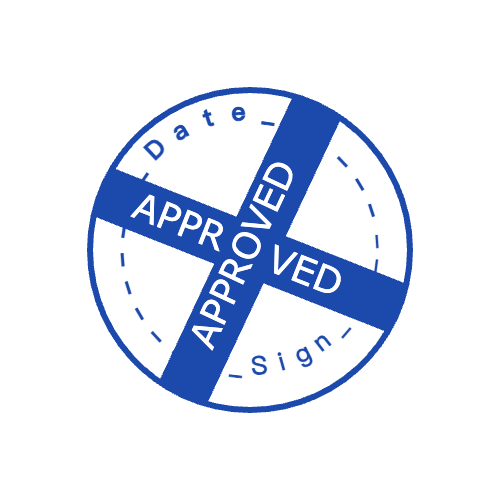
Editable Indian Business Seal for the SealsDigital Stamp Maker — #5890115

Editable Company Seal for the SealsDigital Seal Maker — #4786791

Company Seal Template for the SealsDigital Stamp Maker — #6910482

Company Seal Template for the SealsDigital Online Stamp Maker — #7709571
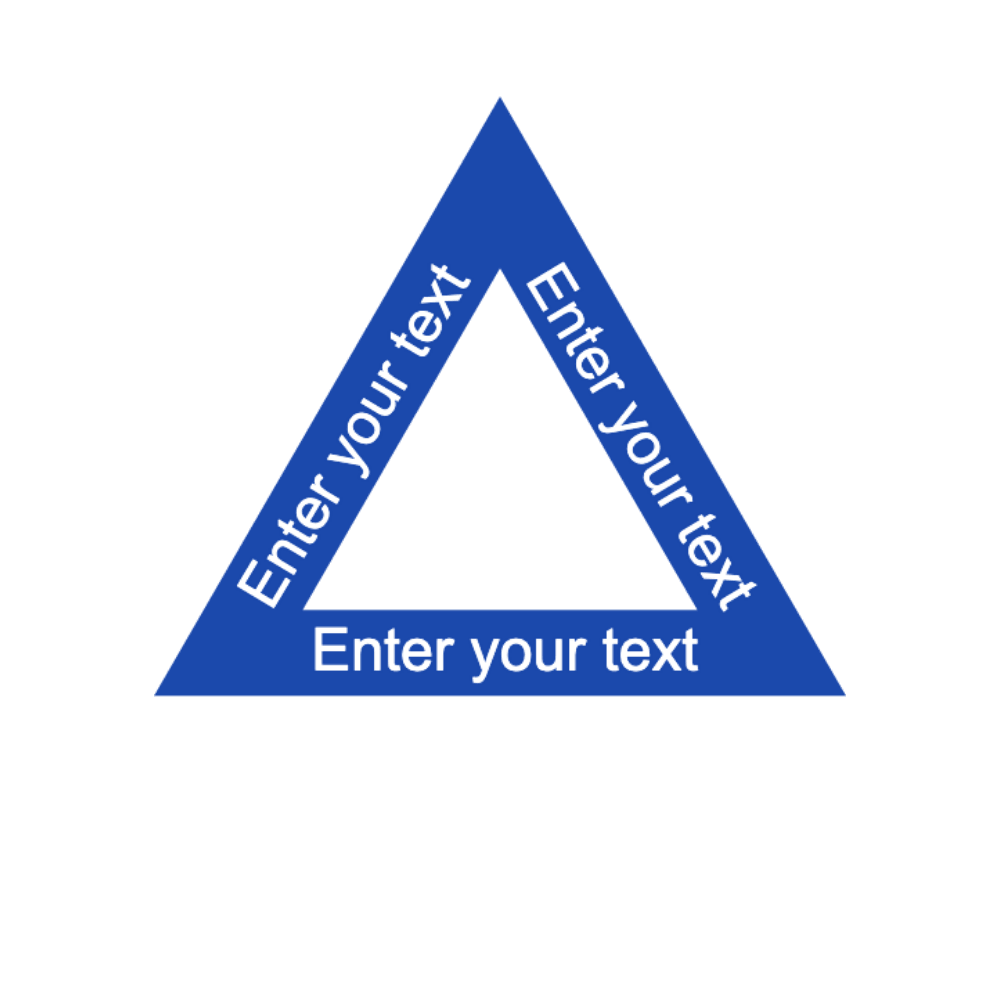
Indian Business Seal Template for the SealsDigital Online Stamp Maker — #8412058
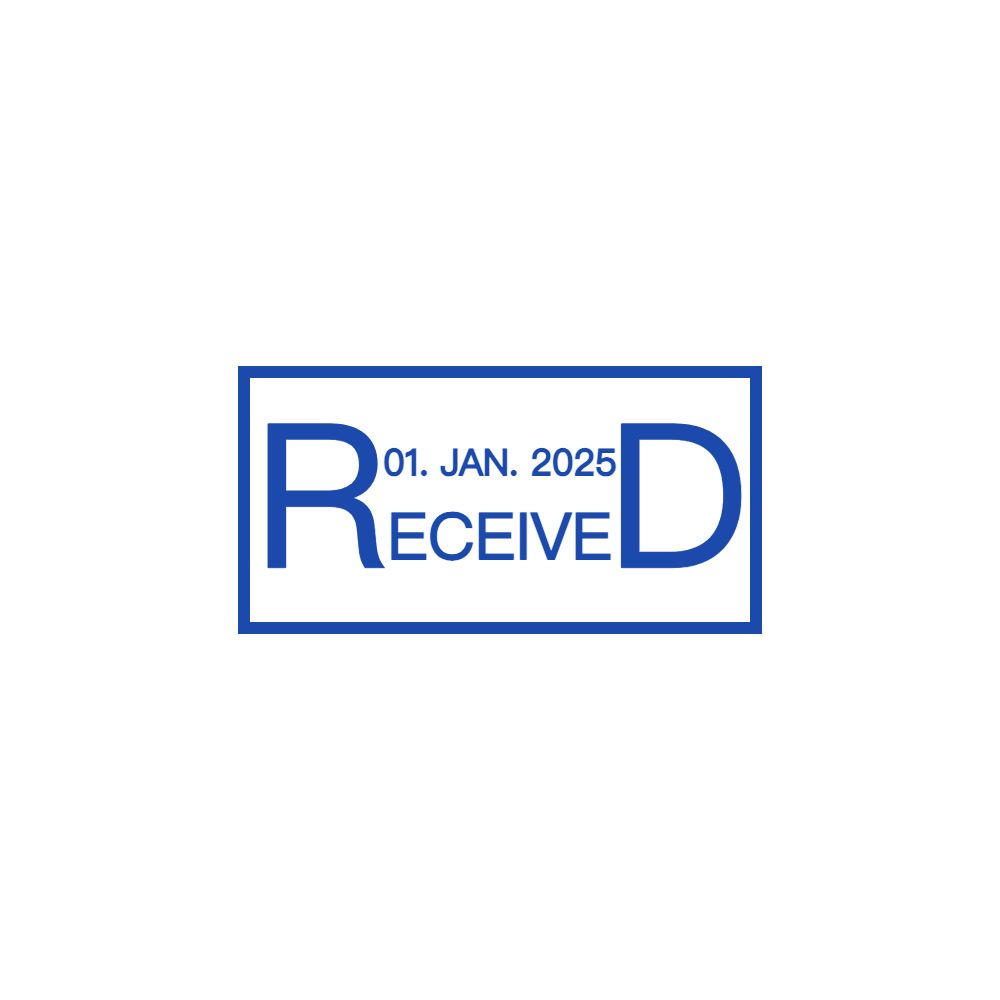
Editable Received Document Stamp for the SealsDigital Digital Stamp Creator — #8859246
Create an Indian Business Seal Online with SealsDigital — #5877713
Editable Indian Business Seal for the SealsDigital Digital Stamp Creator — #1624331
Showing 1 - 12 of 334 templates
How to use the stamp template library
Every template here opens in the SealsDigital editor with its shapes, curved text, borders, and artwork still editable. Pick the layout closest to your document, change the wording, and preview it at real size. Designing is free; you pay only when you export clean files, from $2.50 for a transparent PNG.
- Choose a category. Start from the stamp type your document needs, such as a company seal, a received stamp, or a date stamp.
- Open the template. Select “Edit this template” to load it into the online stamp maker.
- Replace the wording. Change names, numbers, and dates, then adjust font size and letter spacing until curved text sits evenly.
- Check the size and color. Set the real stamp size in millimeters and pick an ink color that stays readable on copies.
- Export and place it. Download PNG, SVG, EPS, PDF, or DOCX, then add the PNG to a document with the free PDF stamp tool.
Template categories by task
The categories follow the jobs stamps do in an office. Each category page explains what the stamp usually contains and which size and file format suit it.
Company and office stamps
Seals and everyday office marks that carry a company name, registration details, or a short status.
Dates, receipts, and banking
Marks that record when something arrived, was paid, or may only be deposited.
Professional and public offices
Layouts for notaries, legal teams, clinics, and public services. Always confirm the required wording with the relevant authority.
Schools and libraries
Ownership, approval, and grading marks for classrooms, school offices, and collections.
Brand, design, and events
Logo stamps, decorative seals, and celebration designs, plus blank shapes to start from scratch.
Choosing a shape and size
Round layouts suit seals with a name curving around the edge and a symbol or number in the center; 38 to 42 mm is a common diameter. Rectangular layouts suit stamps that are mostly text, such as received, address, and approval stamps, where every line needs to stay level. Square layouts work well for logos and compact monograms.
Design at the size the stamp will appear. Text that looks fine at full screen can blur when it is placed on a document at 30 mm, so check the preview at real size and keep the wording short enough to stay legible.
Which file to export
- PNG, $2.50: a transparent image in 1x, 3x, and 10x for PDFs, invoices, and websites.
- PNG + SVG + EPS, $2.90: adds vector files that stay sharp at any size, for printers and rubber stamp makers.
- All six formats, $3.50: PNG, JPG, SVG, EPS, PDF, and DOCX for every document workflow.
If you design stamps every week, the monthly, annual, and lifetime plans include unlimited downloads; compare them on the stamp export pricing page.
Before you use a stamp
A SealsDigital file is visual stamp artwork. It shows who handled a document and keeps paperwork consistent, but it is not a certificate-based digital signature and does not prove identity. For notary, legal, medical, or government documents, confirm the wording and format your authority requires before you use the design.
Stamp template questions
Are the stamp templates free to use?
Yes. Opening, editing, and previewing any template is free, and the preview carries a watermark. You pay only when you download clean files, starting at $2.50 for a transparent PNG.
Can I change everything in a template?
Yes. Text, fonts, letter spacing, borders, shapes, colors, and images all stay editable after you open a template, and you can add or remove elements.
Can I turn a template into a physical rubber stamp?
SealsDigital does not manufacture stamps. Export the SVG or EPS files and send them to a stamp maker, who can produce a rubber or self-inking stamp from the vector artwork.
Do the templates meet legal or official requirements?
The templates are starting layouts, not certified formats. Requirements differ by country and profession, so check the wording, size, and use with the authority or organization that will receive the document.
Which template should I start with?
Start with the category that matches the task, such as a received stamp for incoming mail or a company seal for contracts, then pick the shape that fits the amount of text.
