SealsDigital Studio
Create your own stamp © sealsdigital.com
PreviewStamp size · 38 mm
Loading...
Select ElementSelect Element
Square seal maker
5 editable square seal templates. Pick one to load it into the stamp editor above, or let the AI square seal maker draft one for you.

SealsDigital Formal Seal Starting Layout — #5483367
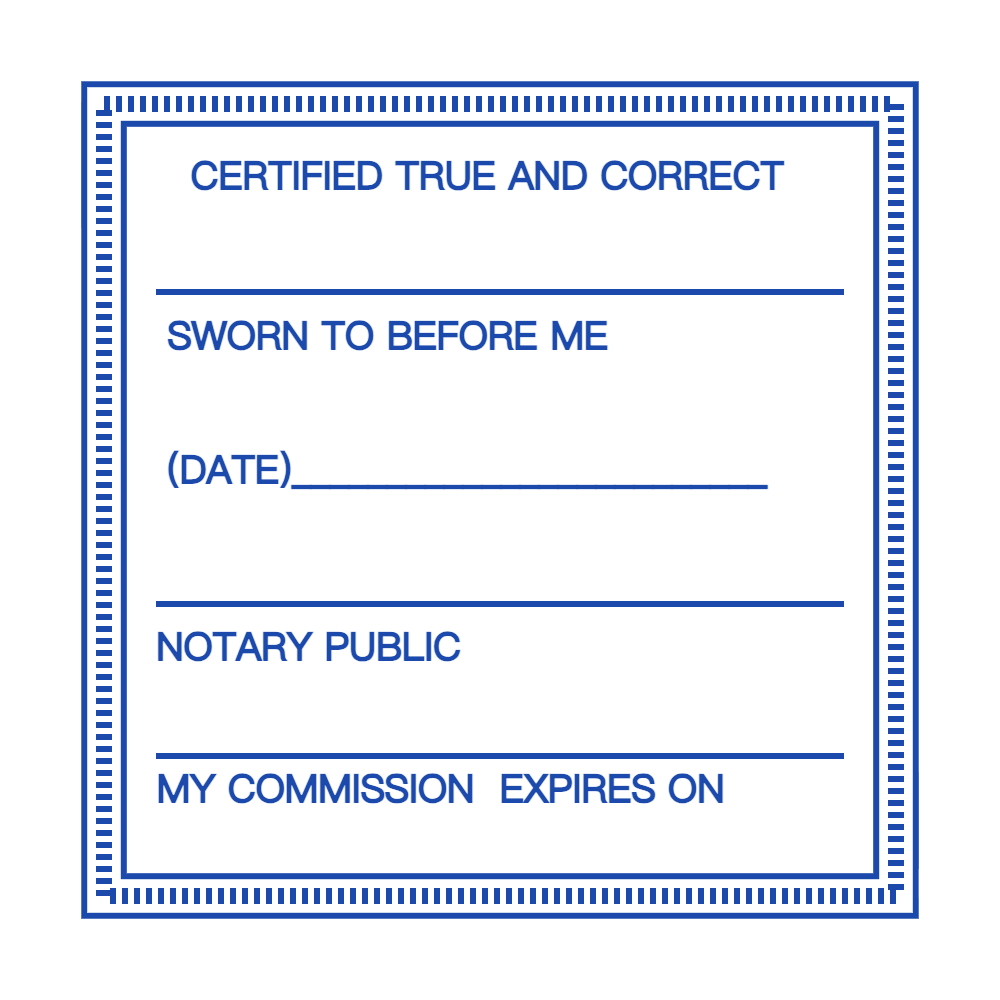
SealsDigital Square Seal Starting Layout — #7109732
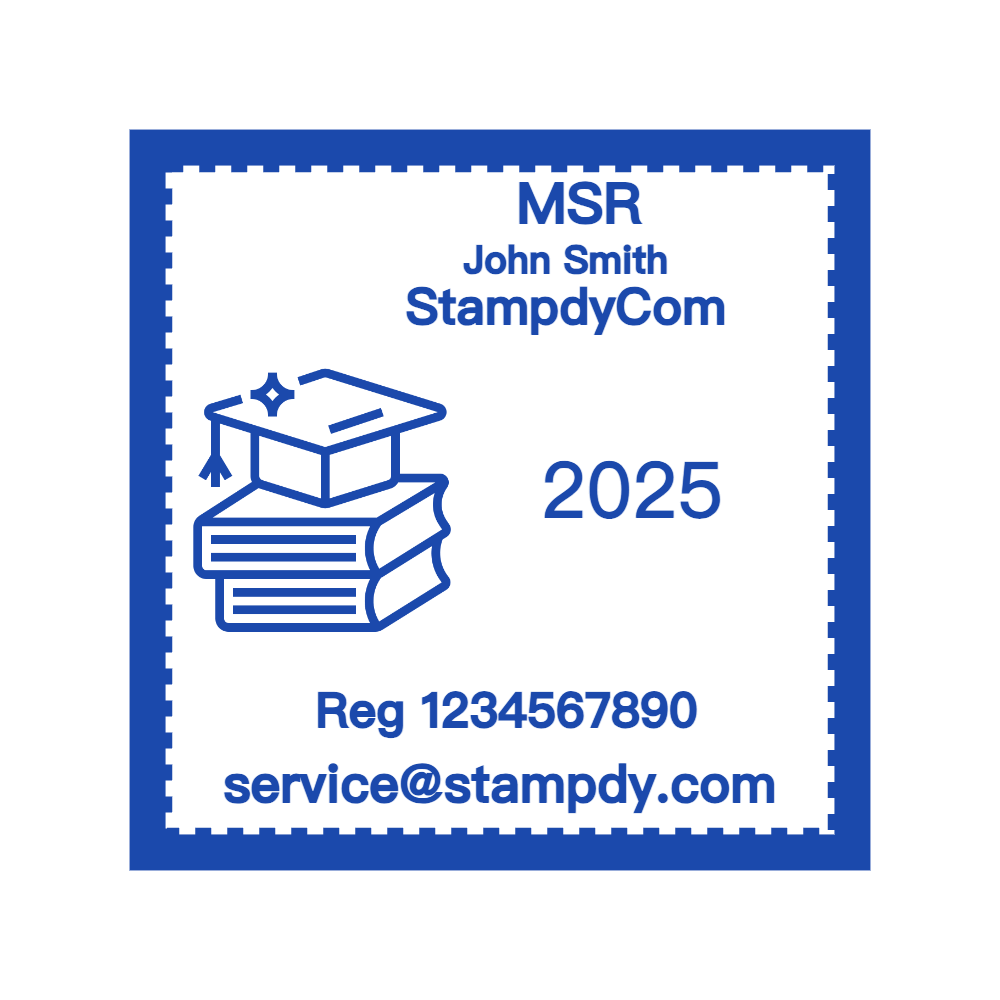
Create a Square Seal Online with SealsDigital — #7500738

Create a Square Seal Online with SealsDigital — #8356454
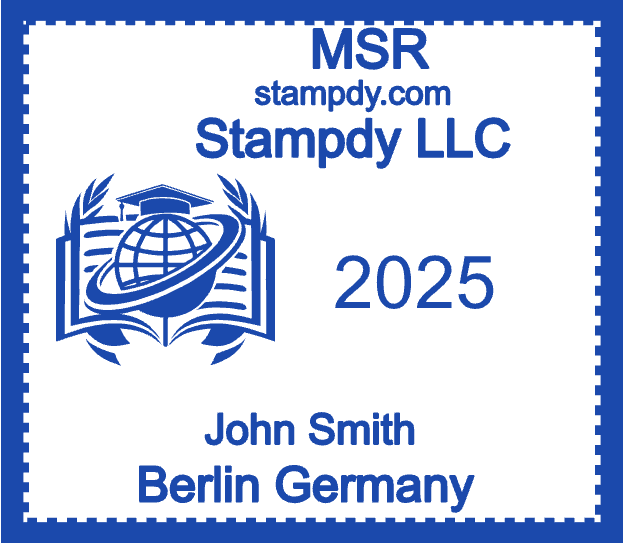
Create a Square Seal Online with SealsDigital — #2081124
Showing 1 - 5 of 5 templates
Related stamp templates
Generate with AIAI square seal makerDescribe the stamp and get a draft you can edit here.Stamp guideSquare stamp design guideStamp guideCultural elements in seal design
See all stamp template categories
A square seal fits a design into four equal sides. The shape lines up neatly with text blocks, page margins, and labels, which makes it practical for business stamps, artist's marks, bookplates, and packaging. The templates on this page start from a square frame, so you can replace the text and logo and keep the balanced layout.
- East Asian name and company seals. Square seals have a long tradition in China, where personal and artist's seals are often carved as squares, and in Japan, where companies commonly use a square company seal on invoices and quotations alongside a round representative seal.
- Artist's and craft marks. Painters, printmakers, potters, and other makers use a small square seal as a signature on finished work and packaging.
- Business and approval stamps. A square frame holds a company name and a short status word, such as APPROVED, in a compact block.
- Bookplates and library marks. Ownership stamps for personal, school, or club collections.
- Packaging and labels. Square logo stamps on boxes, bags, tags, and stickers.
- Certificates and stationery. A square monogram or emblem gives letterheads and certificates a tidy mark.
Square seals look best with a small amount of content arranged on a grid:
- A name split into two or four blocks, a common arrangement for Chinese or Japanese characters.
- A monogram or initials centered in the frame.
- A logo with the business name on one line below it.
- A short status word with a date line underneath.
- An inner frame, created with a double or triple border, that separates the content from the edge.
Curved text is designed for round shapes, so square seals usually rely on straight text set in rows. Keep the number of lines small; three is often a comfortable maximum at medium sizes.
- Small, about 15–25 mm: artist's marks, bookplates, tags, and small product labels.
- Medium, about 30–40 mm: business stamps, approval marks, and certificates.
- Large, about 50–60 mm: decorative panels, packaging, and display use.
Smaller seals need simpler designs. Fine lines and detailed logos that look clear at 50 mm can fill in at 20 mm. This guide to covers how to balance corners and text at different sizes.
- Choose a template and open it in the editor on this page. To build a square from scratch, use the rectangle outline and give it equal width and height.
- Click each text element and type your name, company, or wording. Adjust the font, size, and letter spacing so each line fills its row evenly.
- Position elements on the center line of the frame and keep equal margins on all four sides.
- Choose a border. A single border looks modern, a double or triple border creates the frame-within-a-frame look common on traditional seals, and a vintage border suits craft projects. This can help you choose.
- Upload a logo as SVG or PNG and size it so it leaves room for any text.
- Pick the ink color, adjust opacity, and add the aging effect if you want a hand-pressed look.
The live preview (which carries a watermark) updates as you work. Sign in with a free account to save designs to My Library and reopen them later.
For a quick first draft, the proposes a layout from a description such as "square seal with a two-line company name and a double border". Describe the stamp, review the AI draft, refine it in the editor, and pay only when you export.
Designing and previewing are free. Pick an export to match where the seal will go:
- PNG ($2.50): transparent, at 1x, 3x, or 10x, for documents, PDFs, and online images. Use 10x when printing on packaging or large labels.
- PNG + SVG + EPS ($2.90): vector files for a stamp manufacturer or a label printer.
- All six formats ($3.50): PNG, JPG, SVG, EPS, PDF, and DOCX.
A single export does not need an account. If you plan to make several versions, such as a seal for each product line, an unlimited plan may cost less than separate exports.
Square seals fit well in the corner of an invoice or certificate. Use the to upload a PDF, place the seal image, resize it, and download the result. Files are processed in the browser and cleared about an hour after use. The seal is visual artwork, not a digital signature, so it does not prove who signed the document or protect it from changes.
If you plan to turn the design into a rubber or self-inking stamp, send the manufacturer the SVG or EPS file along with the exact size. Ask which mount sizes they offer; physical square stamps come in set dimensions, so matching your design to an available size avoids resizing later. Rubber faces handle most office designs, while photopolymer dies are often a better fit for fine detail. Once the stamp arrives, clean the die gently after use and store it upright to protect the corners.
- Uneven margins, which make a square look off-center.
- Too many lines of text squeezed into a small square.
- Thin borders that disappear at small sizes.
- A logo so large that the text has to shrink to fit.
- Using a square seal where a form or rule specifically calls for a round seal.
How do I make a square shape in the editor?
Start from one of the square templates on this page, or use the rectangle outline and set the width and height to the same value. Then arrange the text in straight rows, since curved text is meant for round shapes.
What size should a square seal be?
About 15–25 mm for artist's marks and labels, 30–40 mm for business stamps and certificates, and 50–60 mm for packaging or decorative use.
Are square seals used on company documents?
In some places, yes. In Japan, for example, a square company seal is commonly used on invoices and quotations. Elsewhere, round company seals are more common, so check what your partners or local rules expect.
What ink color suits a square seal?
Red is traditional for East Asian seals. Black or blue suit business documents, and brand colors work well on packaging.
