SealsDigital Studio
Create your own stamp © sealsdigital.com
PreviewStamp size · 38 mm
Loading...
Select ElementSelect Element
Custom stamps maker
12 editable custom stamps templates. Pick one to load it into the stamp editor above, or let the AI custom stamp maker draft one for you.
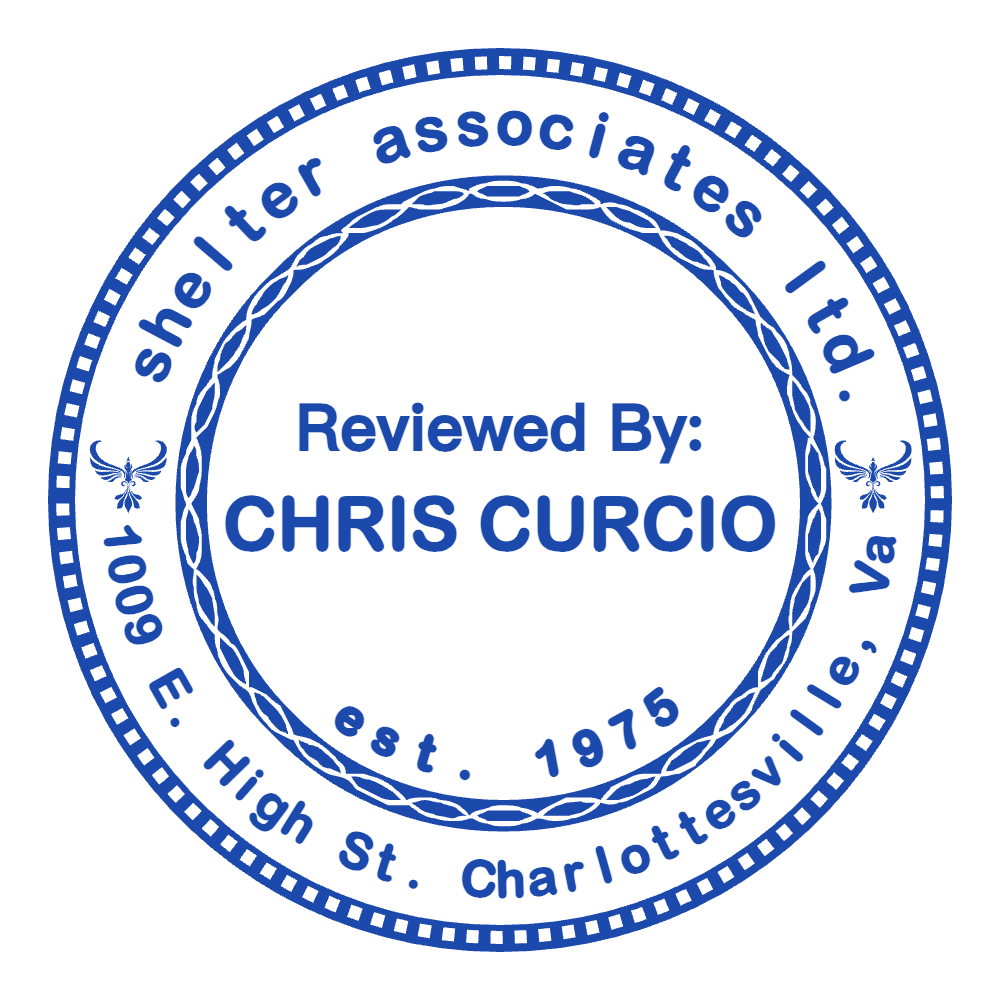
Create a Custom Stamp Online with SealsDigital — #1881228
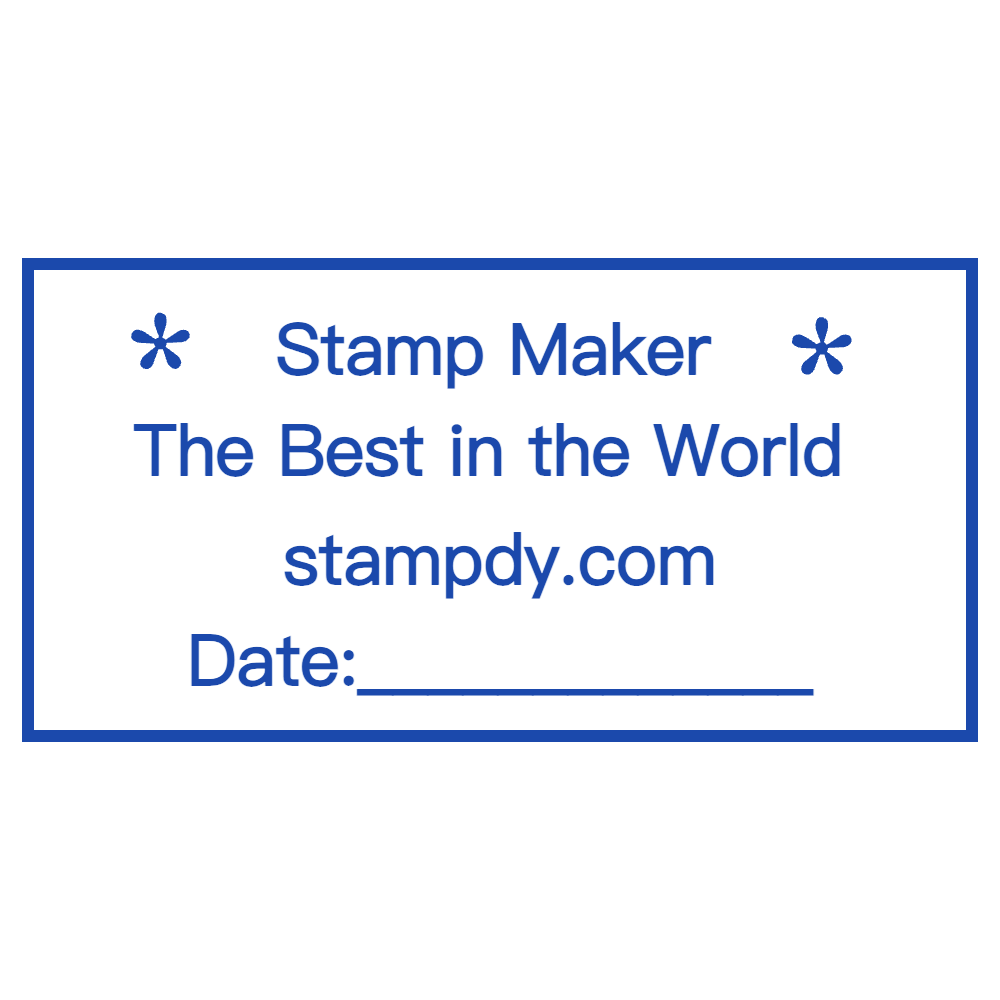
Editable Custom Stamp for the SealsDigital Online Stamp Maker — #3649409

Round Custom Stamp by SealsDigital Stamp Creator — #1793096

Custom Stamp Template for the SealsDigital Stamp Maker — #2780552

SealsDigital Custom Stamp Starting Layout — #3437526

Round Custom Stamp by SealsDigital Digital Stamp Creator — #4628059

Editable Custom Stamp for the SealsDigital Seal Maker — #4762711

Create a Custom Stamp Online with SealsDigital — #5569420

Create a Custom Stamp Online with SealsDigital — #5709605

Create a Custom Stamp Online with SealsDigital — #6248264

Create a Custom Stamp Online with SealsDigital — #6407442

Round Custom Stamp by SealsDigital Digital Stamp Creator — #7185420
Showing 1 - 12 of 12 templates
Related stamp templates
Generate with AIAI custom stamp makerDescribe the stamp and get a draft you can edit here.Stamp guideStep-by-step custom seal designStamp guideRolling out custom stamps across branches
See all stamp template categories
Custom stamps replace generic impressions with a design built around your wording, logo or style. They can add a signature mark to artwork, speed up daily paperwork or put a brand on every package. This guide covers what makes a stamp custom, who uses them, how to design one and how to order, use and care for it.
A custom stamp is built around your needs rather than a stock phrase.
- Efficiency: one press replaces writing the same details again and again.
- Consistency: every impression looks the same, which keeps paperwork tidy.
- Branding: a logo, tagline or motif on mail, packaging and stationery reinforces recognition.
- Creativity: artists and crafters get a quick way to repeat a signature or pattern.
Generic stamps come with fixed legends such as "Paid," "Received" or a standard return address. Custom stamps let you:
- Choose exactly the text you need: name, address, motto or instruction.
- Include your own graphics, such as a logo, icon or hand-drawn illustration.
- Pick the outline: circle, oval, rectangle or triangle, in a standard or custom size.
- Use ink colors that match your brand or project.
Small business owners. Boutiques, cafés and online shops stamp order slips, receipts and packaging. A logo-and-tagline stamp on takeout bags or shipping boxes saves writing and keeps the brand visible.
Artists, crafters and makers. Card makers, scrapbookers and potters use stamps for a consistent maker's mark or decorative accent. A pottery studio might press a mark into clay before firing; a printmaker layers several stamps to build texture.
Educators, parents and nonprofits. Teachers use "Excellent Work" or "See Me" stamps, parents label school supplies, and nonprofits add a short mission line to letters and donation receipts.
Event planners and hosts. Weddings, birthdays and company events use custom monograms or event logos on invitations, napkins and favor bags. A stamp such as "Emma & Noah, June 2025" or "Annual Gala" ties the details together.
Rubber with an ink pad. Traditional, flexible and inexpensive. The pad color can be swapped, and it suits occasional use.
Self-inking stamps. A built-in pad re-inks between impressions for clean, even results. Good for offices and studios that stamp every day.
Pre-inked polymer stamps. Ink is held in the die, giving crisp impressions over long runs. Compact, and good on glossy and coated papers.
Specialty options. Fabric-safe inks work on textiles, embossers create raised impressions on certificates, and invisible inks that show under UV light are popular for event entry marks and crafts.
1. Define purpose and placement.
- Envelopes and stationery: small stamps of about 25–50 mm.
- Artwork and packaging: medium stamps of about 50–75 mm.
- Large surfaces or signs: 75–100 mm for visibility.
2. Choose text and typography.
- Keep text short, ideally three or four lines.
- Use serif fonts for formal branding, sans-serif for modern clarity and scripts only as accents.
- Keep small text large enough to read when stamped; as a rule of thumb, about 8 pt or more.
3. Add graphics and logos. Simplify logos into high-contrast line art or a solid silhouette, avoid fine details and gradients, and leave space between the graphic and the text. Our guide on how to explains what to simplify.
4. Pick shape, size and color. Circles feel traditional, rectangles fit the most text and triangles or added shapes give personality. Measure the space you will stamp before choosing dimensions, and match the ink to your brand or theme.
- Start from a custom stamp template on this page, or describe what you need to the and refine the layout it drafts.
- Replace the text, then adjust font, size, color, letter spacing and position. Curved text follows round and oval outlines; straight text suits rectangles.
- Upload your logo as SVG or PNG, or add built-in stars, lines and polygons.
- Choose a border (single, double, triple, dashed, dotted or vintage), set ink color and opacity, and add the aging effect if you want a hand-stamped look.
- Check the live preview, which is free and watermarked, and export only when you are happy with the design.
Export a transparent PNG for documents, websites and the free PDF tool, SVG or EPS for a rubber stamp manufacturer, or PDF and DOCX for print templates. If you are comparing editors, our overview of lists what to look for.
SealsDigital produces the artwork; a stamp manufacturer makes the physical stamp from it.
Prepare the file. Send SVG or EPS unless the manufacturer asks for something else, and confirm the final dimensions.
Review the proof. Check spelling, legibility, logo clarity and spacing before approving production.
Plan the timing. Turnaround depends on the supplier and the stamp type, so ask before ordering if you have a deadline.
On delivery. Self-inking units usually arrive inked and assembled; rubber stamps may come with a pad or mounting block.
Overcrowding the design. Too many words or a tiny logo give a cluttered impression. Keep only what matters.
Choosing the wrong mechanism. A basic rubber stamp wears quickly under heavy daily use; choose self-inking or pre-inked for high volumes.
Ignoring requirements. Stamps for official documents may need specific details such as registration numbers or license information. Check the rules that apply to you before ordering.
Neglecting maintenance. Dry pads and dirty dies give faint, uneven impressions.
Cleaning. Wipe rubber and polymer dies with a soft, lint-free cloth after use, and use only cleaners the manufacturer approves.
Ink and storage. Re-ink pads before impressions fade, and store stamps in a cool, dry place away from direct sunlight.
Longer life. Rotate stamps on busy desks, and clean fabric-ink stamps promptly so the ink does not clog the die.
Layered impressions. Combine text and graphic stamps to build a larger composition without a new design.
Mixed media. Use stamps with paint or embossing powder for texture on art paper.
Seasonal stamps. Make limited designs for holidays, product launches or events, and swap them as needed.
Custom stamps combine efficiency with self-expression. Define the purpose, keep the design simple and choose the right format, and your stamp will give consistent impressions on paper and on screen.
Can I design a custom stamp for free?
Yes. Designing and previewing in SealsDigital are free. You pay only when you export: $2.50 for a PNG, $2.90 for PNG plus SVG and EPS, or $3.50 for all six formats. Unlimited plans are also available.
Does SealsDigital make physical stamps?
No. SealsDigital creates the stamp artwork. Send the SVG or EPS export to a stamp manufacturer to produce a rubber stamp, self-inking stamp or embosser.
What makes a good custom stamp logo?
A simple, high-contrast shape with no gradients or very fine lines. If the logo has small text, enlarge it or remove it from the stamp version.
Can I edit my design later?
Sign in with a free account to save designs to My Library and reopen them whenever you need changes.
