SealsDigital Studio
Create your own stamp © sealsdigital.com
PreviewStamp size · 38 mm
Loading...
Select ElementSelect Element
Stamp received maker
8 editable stamp received templates. Pick one to load it into the stamp editor above, or let the AI received stamp maker draft one for you.
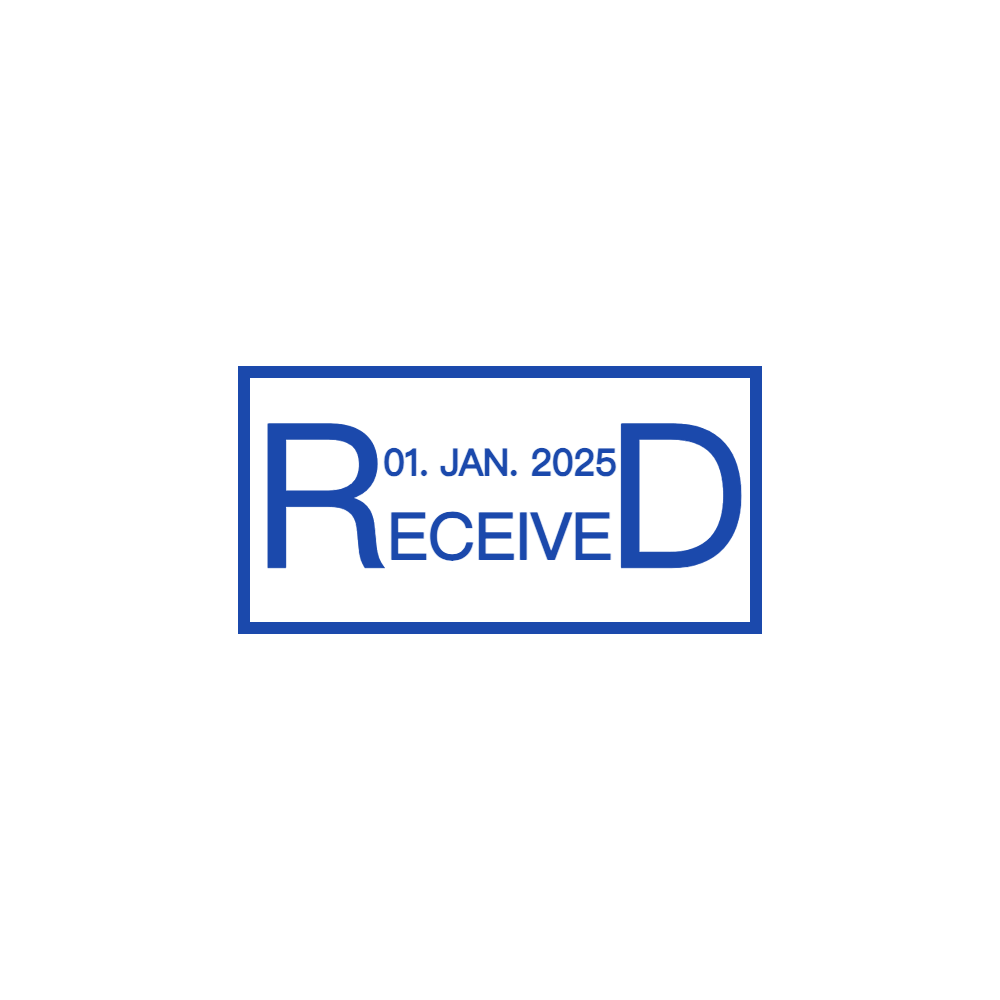
Editable Received Document Stamp for the SealsDigital Digital Stamp Creator — #8859246

Editable Received Document Stamp for the SealsDigital Digital Stamp Creator — #8279698

Create a Received Document Stamp Online with SealsDigital — #3455629
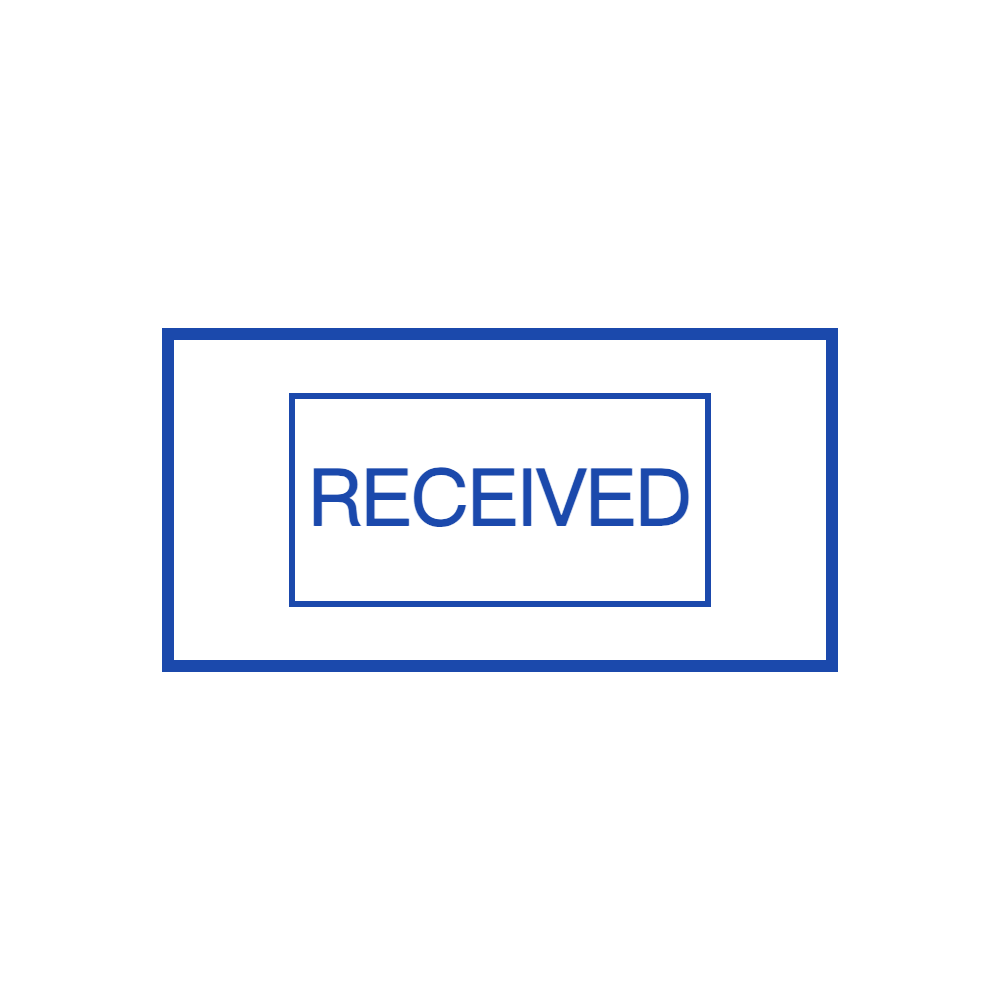
SealsDigital Rectangular Received Document Stamp Design — #3592643
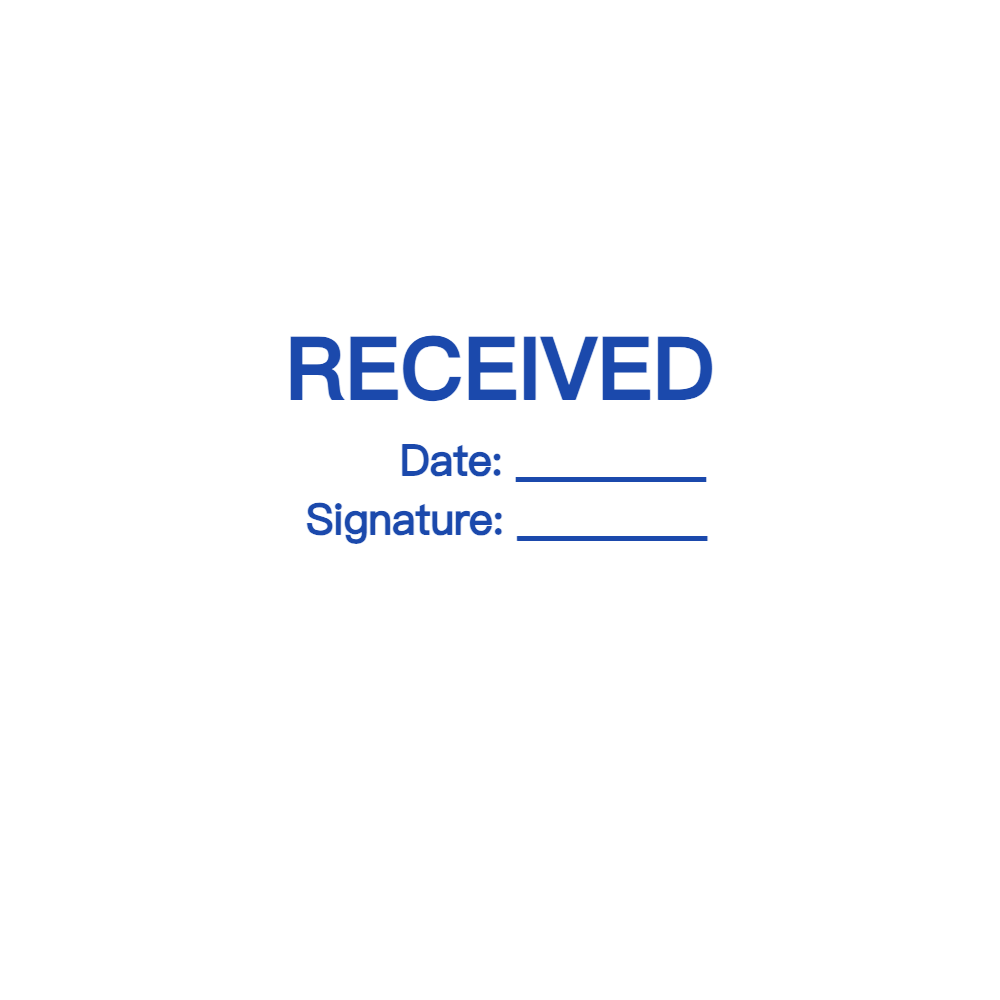
SealsDigital Received Document Stamp Starting Layout — #3892669
Received Document Stamp Template for the SealsDigital Online Stamp Maker — #3952599

Editable Received Document Stamp for the SealsDigital Seal Maker — #4013756

Create a Received Document Stamp Online with SealsDigital — #4063887
Showing 1 - 8 of 8 templates
Related stamp templates
Generate with AIAI received stamp makerDescribe the stamp and get a draft you can edit here.Stamp guideReceived stamp standards for warehousesStamp guideDate stamp habits for front desks
See all stamp template categories
A received stamp records when a document or package arrived and who logged it. It is one of the most common office stamps, used in mailrooms, reception desks, accounts payable teams, warehouses, and legal and government offices. The templates on this page are laid out for that job, with a prominent RECEIVED label and space for the details your team fills in.
Without a stamp, arrival details end up as notes in the margin, if they are recorded at all. A received stamp turns them into a consistent record:
- Mail and correspondence: when a letter arrived and which department it went to.
- Invoices: the date an invoice was received, which matters for payment terms and approval timelines.
- Applications and forms: when a submission reached the office, for deadline-based processes.
- Deliveries: when goods or paperwork came in, and who signed for them.
- Internal handoffs: when a file moved from one team to another.
The stamp gives a visible record that helps during audits or disagreements about dates. It works best alongside an intake log or ticketing system, not as the only record.
Start with the fields you actually use, then remove the rest:
- RECEIVED in large capitals, usually at the top.
- A date line, or a printed date if you make a new version for each day.
- A time line, if deadlines are counted by the hour.
- A "By" or initials line for the person logging the item.
- The department or company name.
- Optional lines: method of delivery (mail, hand, courier, email), reference or invoice number, number of pages or enclosures, and "Forwarded to".
A finance team might use RECEIVED, date, invoice number, and "Approved for payment by". A front desk might only need RECEIVED, date, time, and initials. This guide to shows how to set fields for busier intake points.
Rectangles are the most common shape because fill-in fields stack in rows. A stamp around 50–60 mm wide and 25–40 mm tall leaves enough room for handwritten dates and initials. Round received stamps put the company name around the edge and RECEIVED with a date line in the center; they suit organizations that want the mark to identify them as well. Ovals are a middle option.
Whatever the shape, give each blank line enough height to write on comfortably, and make sure the stamp fits in the margin of your most common documents.
Black and blue are the usual choices for received stamps, and both copy well in grayscale scans. Some teams use red or green to separate types of intake, for example red for time-sensitive legal mail. If you color-code, write down what each color means and check that lighter colors stay readable when pages are scanned.
- Pick a layout from the templates above and open it in the editor.
- Replace the placeholder company or department name with your own.
- Edit or delete field labels so the stamp matches your intake process.
- On round designs, adjust the curved text size and letter spacing so the name fits around the edge.
- Choose a border: single or double for a clean office look, dashed for a lighter frame.
- Set the ink color and a standard or custom size.
The live preview (which carries a watermark) updates as you work. Sign in with a free account to save designs to My Library, which makes it easy to reopen the stamp and update a date or department.
You can also start from a description with the . Try something like "rectangular RECEIVED stamp with date, time, initials, and invoice number lines". Describe the stamp, review the AI draft, refine it in the editor, and pay only when you export.
Designing and previewing are free. For digital intake, a transparent PNG ($2.50) at 1x, 3x, or 10x sits cleanly on scanned or emailed documents. For a physical self-inking stamp, the PNG + SVG + EPS bundle ($2.90) gives a manufacturer vector artwork. All six formats ($3.50) add JPG, PDF, and DOCX. A single export does not need an account.
Many invoices and forms now arrive by email. To mark them, open the , upload the file, place the stamp image, resize it, and download the stamped copy. Files are processed in the browser and cleared about an hour after use.
For digital intake, you can either export a version of the stamp with that day's date already filled in, or keep a version with blank lines and add the date and initials with your usual PDF annotation tool. Either way, the stamp is a visual record. It is not an electronic signature and does not show whether the file was changed later. Save the stamped copy in the same place as the rest of the record so paper and digital intake stay consistent.
- Choose one spot, such as the top right of the first page, and use it every time.
- Never stamp over printed text, totals, signatures, or barcodes.
- Fill in every field when you stamp, not later.
- Stamp the first page of multi-page documents, and note the page count if it matters.
- Record items that arrive damaged, incomplete, or without paperwork in your log as well as on the stamp.
- Wipe dried ink from physical stamps and replace pads as soon as impressions start to fade.
For more on intake routines, see these .
- Too many fields, so staff skip half of them.
- Lines too short to write a full date.
- Mixed date formats, such as 03/04 meaning March 4 to one person and April 3 to another. Agree on one format and print it on the stamp, for example "Date (MM/DD/YYYY)".
- A stamp that covers important text.
- Relying on the stamp alone without a log.
Should a received stamp include the time?
Include a time line if deadlines are counted by the hour, as with some legal filings, tenders, or applications. Otherwise, the date is usually enough.
Where should I place a received stamp?
In the same blank area on every document, often the top right of the first page, where it does not cover any text.
Can I use a received stamp on emailed PDFs?
Yes. Export a PNG and place it with the free PDF tool. Fill in the date before export, or add it afterwards with a PDF annotation tool.
What is the difference between a received stamp and a date stamp?
A date stamp records a date. A received stamp records arrival, usually with the date plus who logged the item and where it went next.
