SealsDigital Studio
Create your own stamp © sealsdigital.com
PreviewStamp size · 38 mm
Loading...
Select ElementSelect Element
Rectangular stamp maker
50 editable rectangular stamp templates. Pick one to load it into the stamp editor above, or let the AI rectangular stamp maker draft one for you.

SealsDigital Rectangular Notary Stamp Design — #0463223

Editable Received Document Stamp for the SealsDigital Digital Stamp Creator — #8859246

Editable Indian Business Seal for the SealsDigital Digital Stamp Creator — #1624331

Editable Company Seal for the SealsDigital Digital Stamp Creator — #7391210
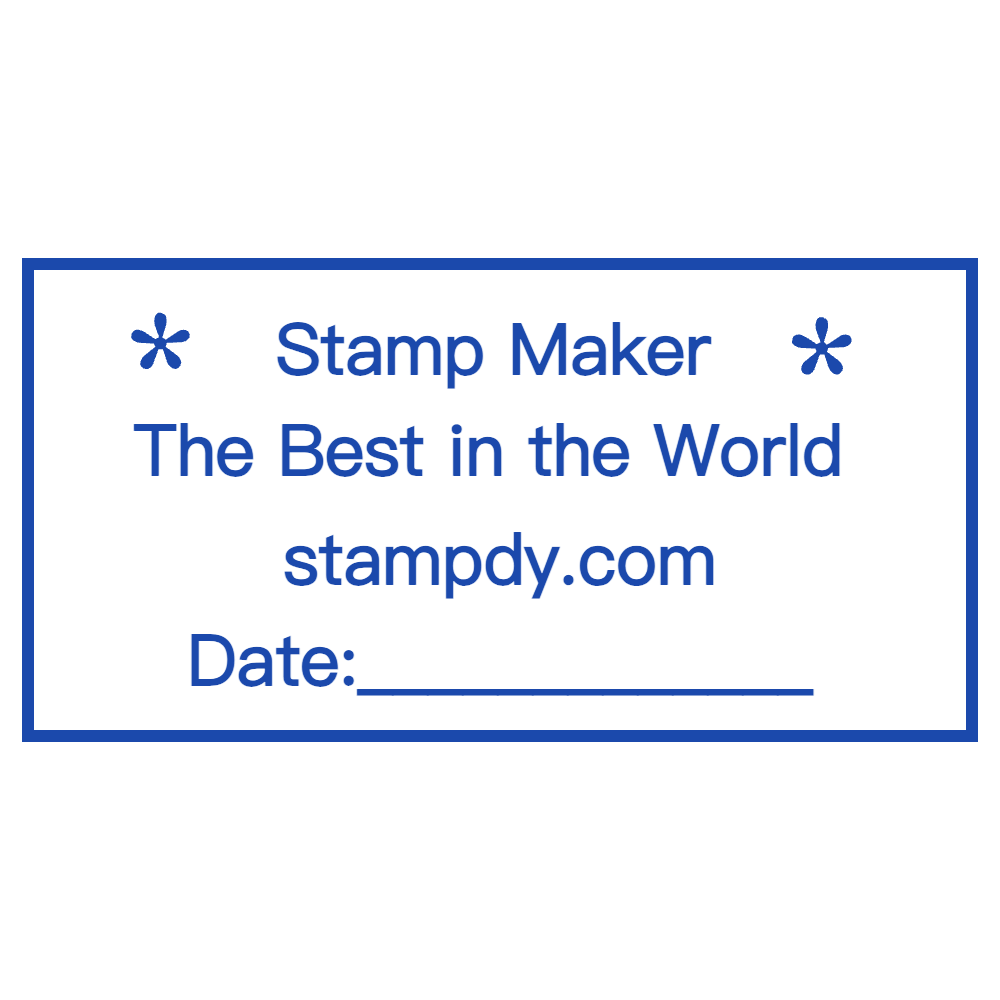
Editable Custom Stamp for the SealsDigital Online Stamp Maker — #3649409

Create an Indian Business Seal Online with SealsDigital — #4002307
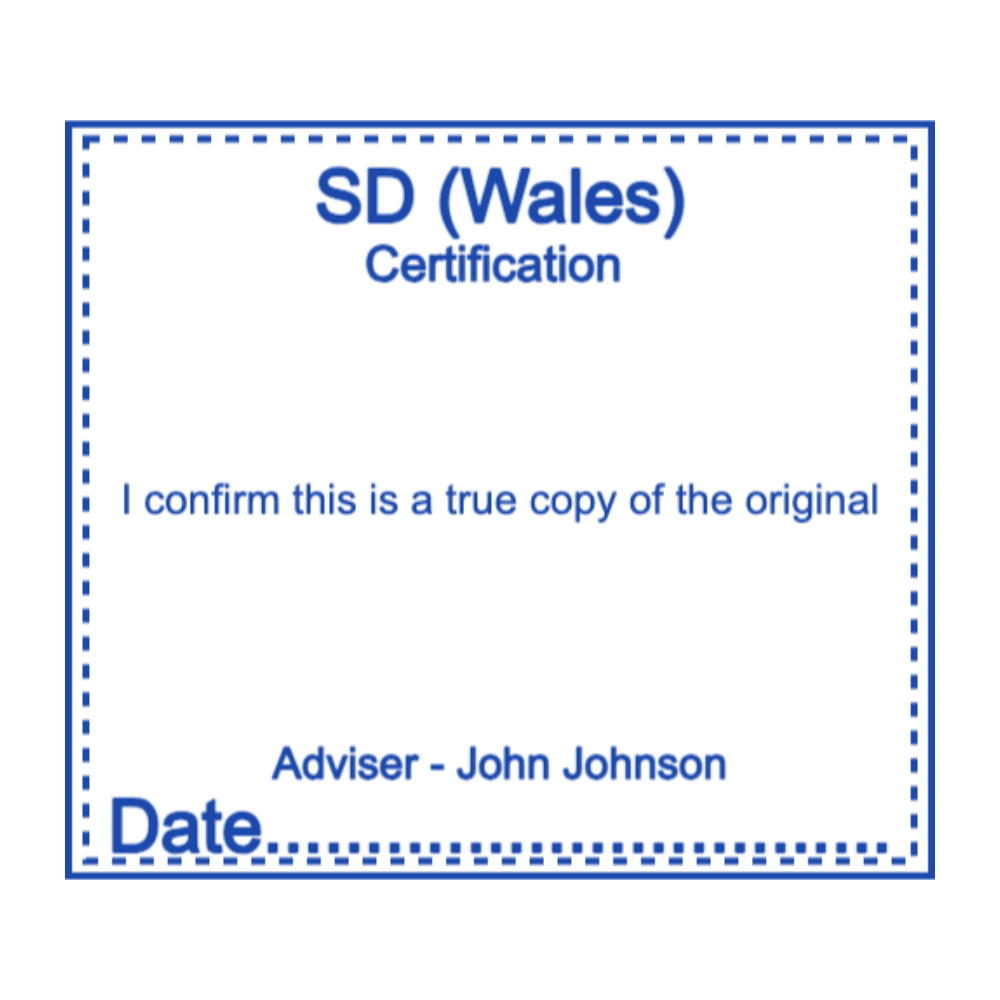
Editable Banking Stamp for the SealsDigital Stamp Creator — #9787470
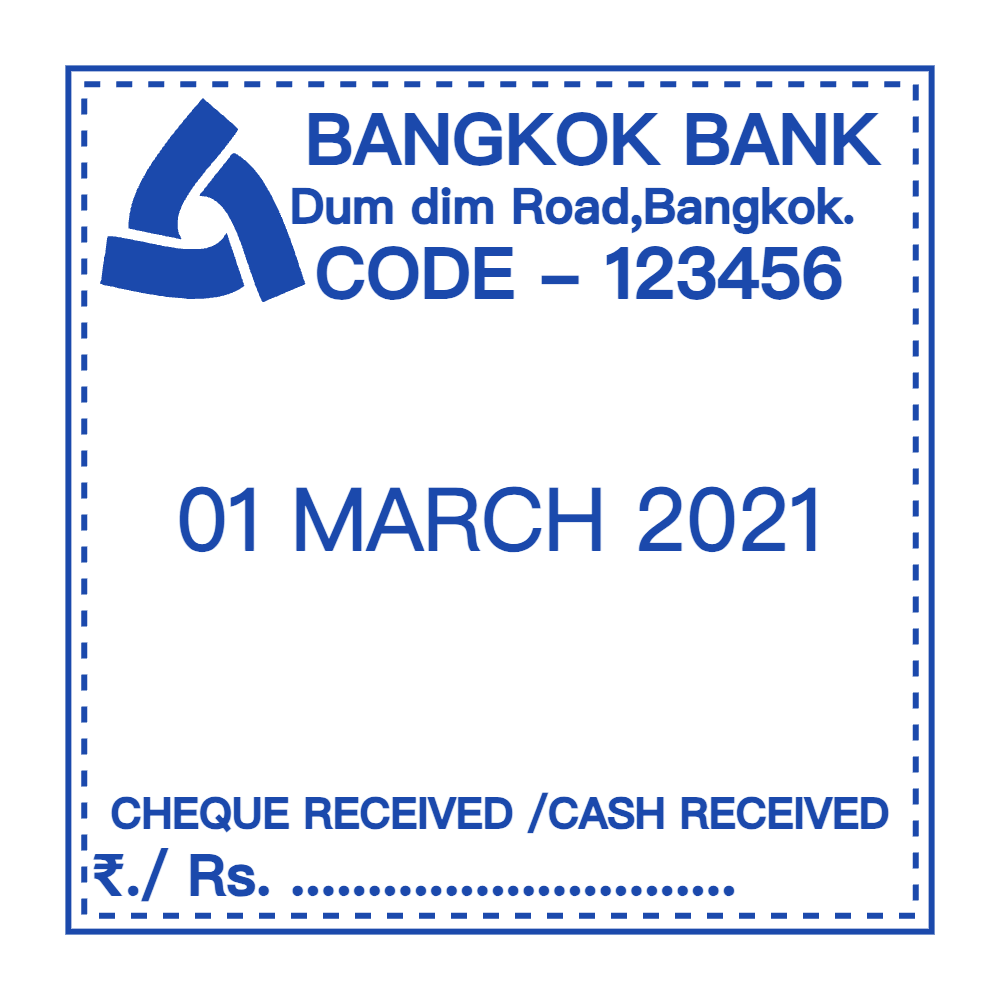
Editable Banking Stamp for the SealsDigital Online Stamp Maker — #0932105

Medical Office Stamp Template for the SealsDigital Seal Maker — #2923835

Create a Medical Office Stamp Online with SealsDigital — #8906063

Business Stamp Template for the SealsDigital Stamp Creator — #2508531
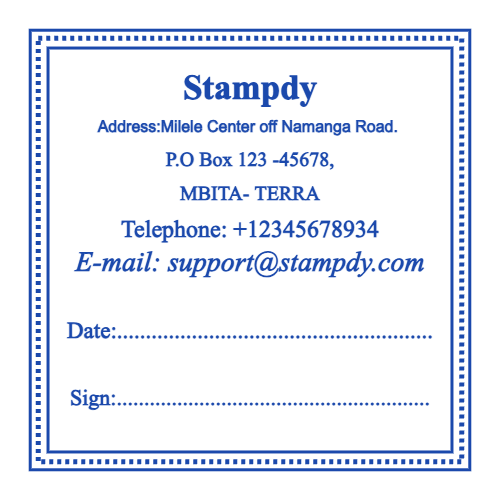
Create a Business Stamp Online with SealsDigital — #2898169
Showing 1 - 12 of 50 templates
Related stamp templates
Generate with AIAI rectangular stamp makerDescribe the stamp and get a draft you can edit here.Stamp guideRound vs rectangular stampsStamp guideSplit-panel rectangular stamps
See all stamp template categories
Rectangular stamps have straight edges and right angles, which makes them the practical choice for text-heavy marks. Return addresses, approval stamps, received stamps, contact blocks and shipping notes all fit naturally into a rectangle, because lines of text run straight across it. This guide covers sizes, layout, uses and how to prepare a rectangular stamp in the SealsDigital editor.
Hand stamps with rectangular faces became an office staple once vulcanized rubber made durable stamp plates practical in the 19th century. Text could be set in straight lines, mounted on a wooden block and inked from a pad. Self-inking and pre-inked mechanisms came later, and today the same rectangular layouts are used as digital stamp images on PDFs.
A rectangular stamp has a stamp face, a mount, an ink supply and a handle or housing. The face carries the raised text, logo or artwork, usually in rubber, photopolymer or metal. The mount holds it steady, the ink comes from a separate pad, a built-in pad or the die itself, and the handle or housing keeps the impression straight.
Rectangular stamps range from small 20×10 mm marks to large 100×50 mm blocks for boxes and signs. Common office sizes include about 60×20 mm for a three-line address and 40×30 mm for approval labels. Packaging often uses wider formats such as 80×30 mm. Choose the size by the space on your document and the amount of text, not the other way around.
Natural rubber plates are affordable and flexible. Photopolymer plates give sharper detail. Metal dies, usually brass or zinc, last longest and are used for embossing. Mounts range from light wood and plastic for hand stamps to sturdier housings for self-inking and pre-inked models.
Traditional rubber stamps need a separate ink pad. Self-inking models re-ink the plate after each press and suit mid-volume use. Pre-inked stamps hold ink in the die and give many crisp impressions before refilling. Digital stamps are image files placed on electronic documents.
Good rectangular layouts use clear margins, balanced type and an obvious hierarchy. Put the main information, such as a business name or "APPROVED," in the largest line, with dates, initials or a logo in smaller bands above or below. Choose fonts that are legible at stamp size, avoid fine graphics that blur, and keep at least 2 mm of clear space inside the border. A double border or a divider line between sections helps when the stamp has several parts. For layouts that split a stamp into fields, see this guide to .
Rectangular stamps show up across office work: return addresses on envelopes, "PAID" or "APPROVED" on invoices, and date-received marks on contracts. Legal offices add case numbers and received dates. HR teams use "COPY" and "CONFIDENTIAL" stamps on personnel files. Signature stamps exist, but they carry the same authority as a signature, so keep them under strict control and check whether the recipient accepts them.
Crafters use rectangular stamps for scrapbooking, card making and fabric printing. Repeating rectangular motifs make backgrounds for collages, and fabric-safe inks allow stamping on tote bags and cloth labels. Decorative frames and borders work well on invitations and gift wrap.
Teachers stamp "EXCELLENT," "TRY AGAIN" or other feedback on assignments. Libraries mark due dates, ownership and processing status on books. School offices use rectangular stamps for received dates and routing on forms.
Rectangles accommodate long text such as department names, jurisdictions and dates, which is why many official stamps use this shape. If you need an official stamp, such as a notary stamp or a government office stamp, follow the format your authority sets, and never reproduce an official mark you are not authorized to use.
Warehouses and mailrooms use rectangular stamps for received dates, routing notes, "FRAGILE" or "RETURN TO SENDER." Return address and routing stamps save labeling time and keep mass mailings consistent.
- Choose a rectangular template from this page, or describe the stamp to the and review the layout it drafts.
- Set the outline to a standard size or enter custom dimensions that match the space on your document.
- Replace the sample text with straight text lines, and adjust font, size, color, letter spacing and position for each line.
- Add a single, double, triple, dashed, dotted or vintage border, plus lines to divide sections. Upload a logo as SVG or PNG if needed.
- Pick the ink color and opacity, and check the free, watermarked preview.
- Export a transparent PNG for documents, SVG or EPS for a rubber stamp manufacturer, or PDF and DOCX for print and office templates.
To apply the stamp to a file, upload the PDF to the , place and resize the image, and download the result.
Clean stamp faces regularly so ink does not build up. A soft brush or a lint-free cloth with mild soapy water clears rubber and photopolymer plates. Replace pads in self-inking housings when impressions fade, and keep stamps away from heat and direct sunlight.
Use guides such as masking tape tabs, a ruler or a simple jig to place the stamp in the same spot every time. Lower the stamp lightly to check its position before pressing fully. Rectangles show any tilt clearly, so alignment matters more than with round stamps.
Faint or incomplete impressions usually mean low ink or a worn plate; re-ink or replace the plate. Smudging improves with quick-dry inks and more drying time. Text running into the border usually means the margins were too tight in the design.
Rectangles carry more lines of text and fit neatly into document margins, while round stamps suit seals and emblems. Our comparison of goes through the trade-offs.
What size should a rectangular stamp be?
It depends on the text. About 60×20 mm fits a three-line address, and 40×30 mm suits an approval stamp with a date line. Measure the space on your document first.
How many lines of text fit on a rectangular stamp?
Three to five lines is practical for most office stamps. More lines need a taller stamp or smaller type, which can blur.
Which file format should I export?
Use a transparent PNG for PDFs and documents, and SVG or EPS for a manufacturer. A single PNG export is $2.50, PNG plus SVG and EPS is $2.90, and all six formats are $3.50.
Can I make a rectangular stamp with a logo?
Yes. Upload the logo as SVG or PNG, place it on one side or above the text, and keep it simple so it stays clear at stamp size.
