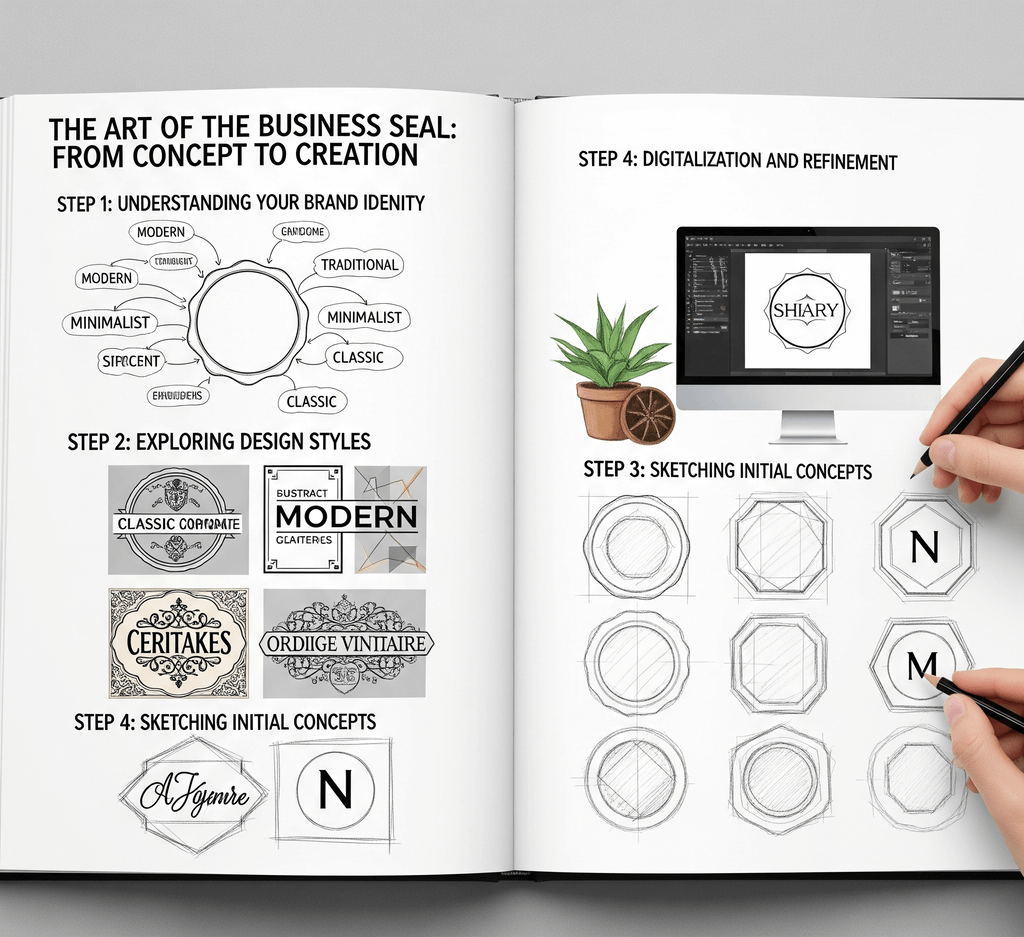
A business seal and a business stamp do different jobs, although people often use the terms loosely. A seal is usually a formal identity mark, often round, used on certificates, resolutions, share documents, or contracts where a counterparty expects one. A business stamp is an everyday tool: an address block on envelopes, a "Received" mark on invoices, a company name and phone number on order forms.
Whether you need a seal at all depends on where your business is registered and who you deal with. In many places a company seal is optional today, while some jurisdictions, industries or counterparties still ask for one on particular documents. Check the rules that apply to your entity, and the requirements of any bank, agency or partner that requests a seal, before you design one.
This guide covers what to include, the layouts that work, how to choose between round and rectangular, who should control use, and how physical and digital versions differ.
Start from your registration documents, not from memory. The usual elements are:
- Exact legal name, including the entity type such as LLC, Inc., Ltd. or GmbH. A trading name alone can confuse readers on formal documents.
- Jurisdiction, such as the state or country of registration, where that is customary.
- Year of incorporation or establishment. Many traditional corporate seals in the United States show the year and the state along with the words "Corporate Seal."
- Registration number, if documents in your country commonly show it.
- A short central element: the word "SEAL," the year, a monogram, or a simplified logo.
Leave off anything that changes often, such as phone numbers, staff names or a temporary address. A formal seal should stay accurate for years.
Everyday business stamps are more practical and more varied:
- Address stamps: company name, street address, city and postal code, and optionally a phone number or website.
- Status stamps: one clear word such as RECEIVED, PAID, APPROVED or COPY, with space for a date and initials.
- Department stamps: company name plus department, useful when several teams send or receive paper.
Give each status stamp one purpose. A single stamp reading "Received / Approved / Paid" with checkboxes saves money up front but invites mistakes when someone ticks the wrong box.
Round seal with an outer ring. The legal name runs around the top of the ring, a secondary line such as the jurisdiction or year runs along the bottom, and the center holds a word, date or emblem. A double border separates the ring from the center. This is the most recognizable formal layout, and the start from this structure.
Oval seal. An oval gives a long name more room along the curve without shrinking the type. It suits names that would crowd a circle.
Rectangular block. Three or four lines of straight text, centered or left aligned, with the name in the largest size. This is the standard address and information stamp; the show common arrangements.
Rectangular with fields. A header word such as APPROVED, plus labeled lines for date, name and signature. Leave real writing space, because a field narrower than handwriting is useless.
The choice usually follows content and context. Round seals carry a short name and a few elements and read as formal identity marks. Rectangular stamps hold more lines, fit neatly into margins and form corners, and are easier to scan as structured information.
If your seal must show a long name, a registration number and an address, a circle will force everything too small. Split the job instead: a round seal for identity and a rectangular stamp for details. For a fuller comparison of content, placement and scanning, read about .
- Use simple, sturdy fonts. Capitals with modest letter spacing work well on curved text; mixed case is often easier to read in a rectangular address block.
- Limit yourself to two type sizes, three at most: one for the name and one for supporting text.
- Size the seal for its documents. Round seals are often around 1.5 to 2 inches across, and a rectangular address stamp needs enough width for its longest line at a readable size. Confirm final dimensions with your stamp vendor.
- Choose ink deliberately. Black copies cleanly, blue makes originals easy to tell from photocopies, and red is often reserved for formal marks or urgent status. Whatever you pick, use it consistently.
A seal is only as trustworthy as the process around it. Decide in writing:
- Who keeps it. Name one custodian for each physical seal and keep it locked away when not in use.
- Who can authorize use. Usually a director, officer or manager with authority over the documents involved.
- How use is recorded. A simple log of date, document, purpose and approver is enough for most small companies.
- Who holds the digital file. Store the master design and exported images in a restricted folder. A seal PNG in a shared drive can be pasted onto any document by anyone.
- How old versions are retired. When the name, address or design changes, destroy or archive the old stamp and delete outdated files.
Review these arrangements at least once a year. A is a practical way to reconcile physical stamps, digital files and the people who hold them.
Physical seals, whether rubber stamps or embossers, mark paper. Digital seal images mark PDFs and other electronic documents. Many businesses need both, made from the same master artwork so they match.
A digital seal image is visual artwork. It shows where a document came from, but it does not prove who applied it and does not reveal later changes. That is the job of certificate-based digital signatures and electronic seals. In the European Union, for example, the eIDAS Regulation defines electronic signatures and electronic seals, and qualified ones rely on certificates from qualified trust service providers. If a document needs that level of assurance, use an appropriate e-signature or e-seal service and treat the seal image as a visual addition.
For everyday digital use, export a transparent PNG and in your browser, or insert it into your document templates. For a physical stamp, send SVG or EPS artwork to your manufacturer.
On SealsDigital you can start from a template, enter your legal name as curved text, adjust letter spacing and borders, add a simplified logo as SVG or PNG, and check the live preview. Designing and previewing are free. A single PNG export costs $2.50, PNG with SVG and EPS costs $2.90, and all six formats cost $3.50, with unlimited plans for teams that update stamps often.
A good business seal is accurate, simple and controlled: the exact legal name, a layout that suits its content, sensible size and ink, a named custodian, and clear rules for the digital file. For more practical advice on stamps and seals, see our .
Does my business legally need a company seal?
It depends on where the business is registered and which documents you sign. Many jurisdictions have made company seals optional, while some still expect them for certain documents, and banks or partners may set their own requirements. Check with your registry, a legal adviser, or the party requesting the seal.
What is the difference between a business seal and a business stamp?
A business seal is a formal identity mark, usually round, used on documents such as certificates or resolutions. A business stamp is an everyday tool for addresses, status marks and departmental routing. Many companies use both, designed from the same artwork.
Can I put a digital image of my company seal on contracts?
You can place the image, but it is not a cryptographic digital signature or electronic seal and does not verify who applied it. If the contract needs verifiable signing, use an e-signature service and confirm what the other party and applicable law require.
Who should keep the company seal?
Name one custodian, typically an officer, company secretary or office manager, and keep the seal locked away when not in use. Record each use, and restrict access to the digital files as carefully as to the physical seal.
