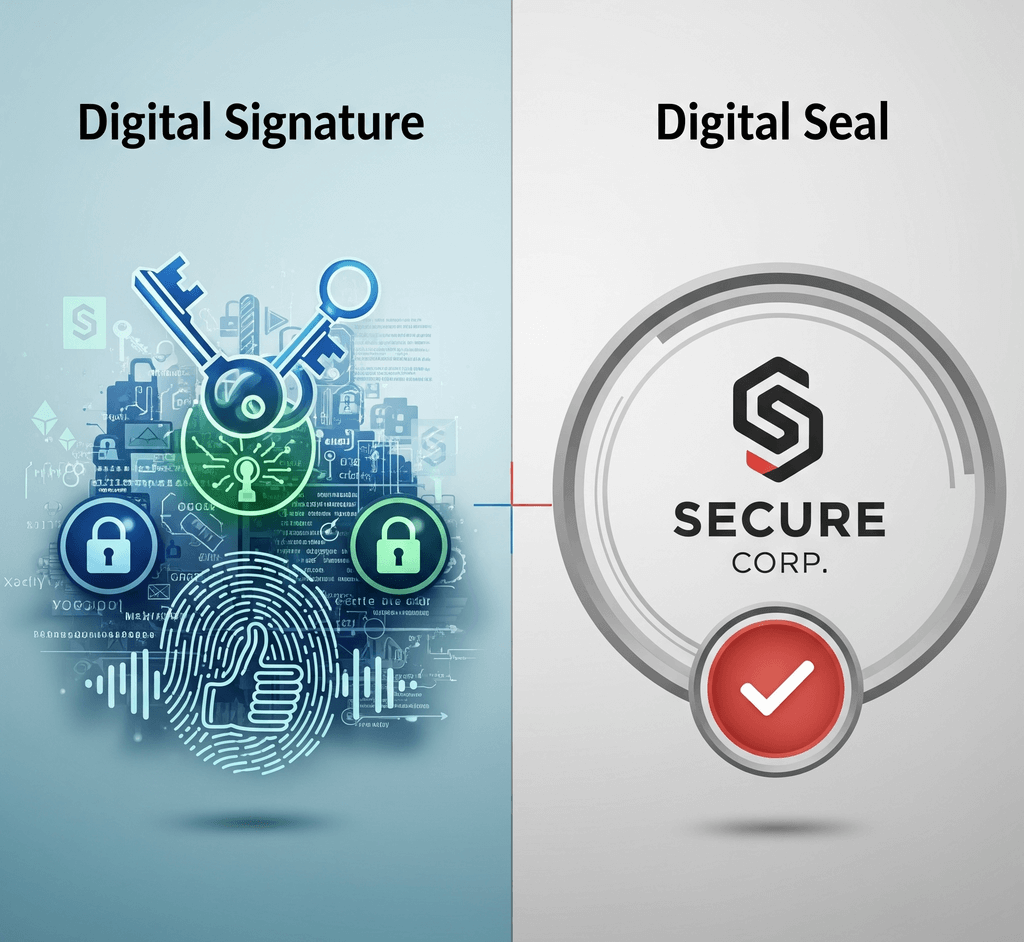
"Please sign and seal the document" sounds simple until you try to do it digitally. Three different things tend to get mixed up: a digital signature, an electronic seal, and a digital stamp or seal image. They can look alike on screen, but they represent different parties, prove different things and suit different jobs.
Knowing the difference helps you avoid two common mistakes: buying a certificate-based service you do not need, or relying on a picture where real proof is required.
Electronic signature is the broad legal term. Depending on the law, it can cover a typed name, a clicked checkbox, a drawn signature, or a cryptographic signature. Under the EU eIDAS Regulation, an electronic signature is used by a natural person, meaning an individual, to sign.
Digital signature usually refers to the technology: a cryptographic method that uses a key pair and a digital certificate. It is the mechanism behind stronger forms of electronic signatures and electronic seals.
Electronic seal is a term defined in eIDAS. It is created by a legal person, such as a company, public body or other organization, to ensure the origin and integrity of data. A seal says "this came from our organization and has not been changed", not "I personally agree."
Stamp or seal image is artwork: a PNG, SVG or similar file that looks like an inked stamp or embossed seal. It has no cryptographic data attached. Anyone with the file can place it in any document.
| Represents | Shows | Checked by | |
|---|---|---|---|
| Certificate-based e-signature | A person | Who signed and that the content is unchanged | Signature validation in software |
| Electronic seal | An organization | Origin and integrity of the document | Signature validation in software |
| Stamp or seal image | Nobody in particular | A visual message, such as status or branding | People reading it |
Both certificate-based signatures and electronic seals rely on public key cryptography. The signer holds a private key, often protected on a smart card, a hardware token, or by a remote signing service. A certificate issued by a certification authority or trust service provider links the matching public key to a named person or organization.
When the document is signed, software creates a fingerprint of its content and protects it with the private key. Anyone can later check that fingerprint using the public key in the certificate. If the content changed after signing, the check fails. For a closer look at what a PDF reader shows during this check, see this guide to .
The simplest way to choose between a signature and a seal is to ask who is acting.
Use a signature when a person agrees, approves or attests: an employee signing a contract, a manager approving an expense, a customer giving consent. The signature ties that decision to that individual.
Use an electronic seal when an organization stands behind a document as its source: an invoice, a certificate, a statement or a confirmation generated by a business system. No specific person needs to sign each one, and a seal can be applied automatically by a server. Some documents carry both, with a person signing and the organization sealing.
eIDAS describes three levels for both: simple, advanced and qualified. Qualified signatures and seals rely on qualified certificates from qualified trust service providers. A qualified electronic signature has the same legal effect as a handwritten signature in the EU, and a qualified electronic seal benefits from a presumption of integrity and correct origin.
Other jurisdictions use their own terms and categories, and they may not make the same distinction between signatures and seals. Requirements also vary by sector and document type, so check the rules that apply to your documents or ask a qualified adviser.
Paper offices have used stamps for generations: company seals, received stamps, approval marks, notary seals. People recognize them instantly, which is why digital stamp images remain useful. A stamp image can show status, identify a department, carry a brand, or make a document look the way recipients expect.
What it cannot do is prove anything technically. A copied stamp image is identical to the original, and nothing in the file records who placed it or whether the document changed afterward. In some countries a physical company seal carries particular weight on paper; do not assume that a picture of that seal carries the same weight in a digital file.
Stamp images exported from SealsDigital are visual artwork. They are not digital signatures or electronic seals and do not prove identity or detect tampering. If you need a company stamp for appearance, are a quick place to start.
Work through the job the document has to do:
- Internal status marks such as Received, Paid or Filed: a stamp image is usually enough, especially when your system already records who handled the item.
- Branding on quotes, packing slips or letterheads: a stamp image.
- A person must agree or approve with legal effect: an electronic signature, at the level your rules or counterparty require.
- Your organization issues documents that outsiders must trust on their own: an electronic seal.
- A law, regulator or partner specifies a type or level: follow that requirement exactly.
- You want a familiar look and verifiable proof: combine both, as described below.
For a broader comparison of stamp methods, see the differences between a .
Many signing tools let you choose an image for the visible appearance of a signature field. A transparent PNG of your company seal works well there: recipients see a familiar mark, while the certificate-based data underneath provides the proof.
A few practical habits help:
- Keep the appearance image compact and simple so it fits the signature field without crowding nearby text.
- Add any other stamp images before the document is signed. Edits after signing can make the reader report that the document was modified, so use the free before the signing step, not after.
- Use the same artwork on paper and in digital files so recipients see one consistent mark.
"A scanned signature is a digital signature." A scan is an image. Depending on the law and context it may count as a basic electronic signature, but it provides no cryptographic protection.
"A seal is just a signature with a logo." An electronic seal represents an organization, not a person, and serves a different purpose.
"Once signed, always valid." Certificates expire and can be revoked. Trusted timestamps and long-term validation features help keep signatures checkable later.
"A stamp image makes a PDF official." It makes the PDF look stamped. Whether that is enough depends on the process and the rules around it.
Choosing well comes down to one question: does this document need to look approved, or does it need to be provably approved? For more practical articles on stamp design and use, explore our .
Is a digital signature the same as an electronic signature?
Not exactly. "Electronic signature" is a broad legal term that can include simple methods such as a typed name. "Digital signature" usually means the cryptographic technology used for stronger signatures and seals.
When should a business use an electronic seal instead of a signature?
Use a seal when the organization, rather than a particular person, stands behind the document, such as invoices or certificates issued by a system. Use a signature when an individual must agree or approve. Some documents use both.
Can I use my company stamp image as a digital signature?
Not on its own. The image has no cryptographic link to your organization or the document. You can, however, use it as the visible appearance of a certificate-based signature or seal in many signing tools.
Do I need a qualified signature or seal?
Only when a law, regulator or counterparty requires one, or when your risk assessment calls for it. Many everyday documents use simpler forms. Check the rules that apply to your documents and sector before deciding.
