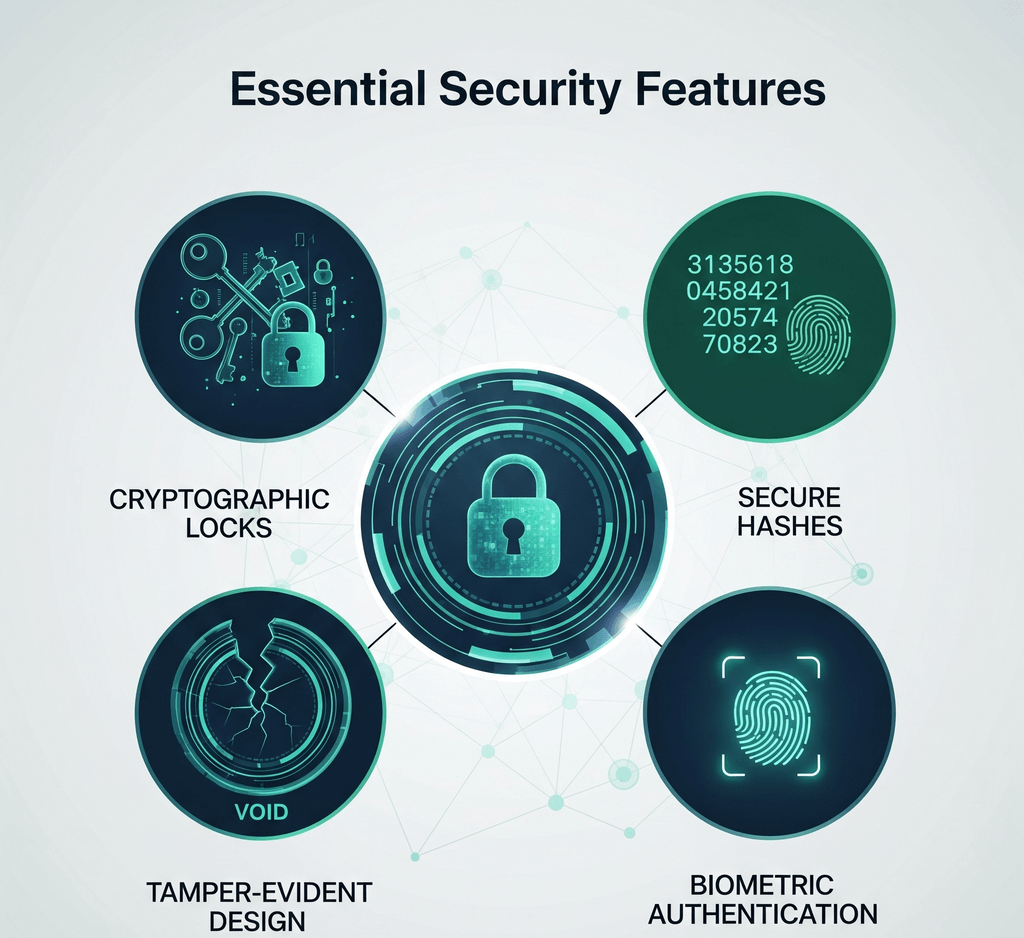
It is natural to want a company seal to be secure. It represents the organization, and a forged or misused seal can cause real trouble. But when the seal is a digital image, the uncomfortable truth is that the image itself offers very little protection. Anyone who receives a stamped PDF can copy the stamp, and anyone with a basic design tool can make something that looks similar.
That does not make stamps useless. It means security has to come from the controls around the stamp rather than from the artwork. This guide explains what a stamp image can and cannot do, which "security features" add little, and which measures genuinely help.
A stamp image is good at communicating. It can show that a document has been received, approved, or paid, display the organization's name and logo, and tell staff that a process step has been completed. Within a team that trusts its own procedures, that is often all a stamp needs to do.
What an image cannot do is prove anything on its own. It does not identify the person who placed it. It does not show whether the document was changed after the stamp was added. It cannot prevent itself from being copied onto another document. A screenshot reproduces it in seconds.
This applies to every stamp image, however it was made. Exported SealsDigital stamps are visual artwork. They are not cryptographic digital signatures or electronic seals, and SealsDigital does not add anti-counterfeiting features to them.
Some design ideas feel protective but do not hold up once the stamp is a digital file.
Fine patterns and microtext. On banknotes and security paper, fine patterns work because they are produced with specialized printing processes and materials. In a digital image, the same pattern is just pixels or vectors, and it copies perfectly along with the rest of the stamp.
Watermarks inside the stamp. A faint watermark in the artwork is copied with the artwork. It can discourage casual reuse but does not prove origin.
Low-resolution exports. Some people export a deliberately small file so it cannot be reused. It can still be copied, and it makes your own documents look worse.
Serial numbers and dates in the image. A number on a stamp helps only if it is recorded somewhere you control and someone actually checks it. Without that record, it is decoration.
QR codes that link to a web page. A QR code is only as trustworthy as the page it points to and the record behind it. The code itself can be copied onto another document like any other part of the image.
PDF passwords. Restricting who can open or edit a PDF may reduce casual changes, but it is not proof of who created the document or approved it.
None of these are harmful, but they should not be presented to staff or recipients as security.
Real protection comes from controlling who can create, access, and apply the stamp, and from using cryptographic tools when proof is needed.
Controlled master files. Keep one editable master per stamp, with a named owner who approves every change. Store approved exports in a single folder, with editing limited to the owner and old versions moved to a clearly marked retired folder. This makes it much harder for an outdated or unofficial version to circulate.
Access rules. Decide who may use each stamp. Everyday status stamps such as RECEIVED can be open to the whole team. Decision stamps such as APPROVED or PAID should be limited to named roles. The company seal should be restricted to a few people. Use your storage system's permissions to enforce this, and remove access promptly when someone changes role or leaves.
Usage records. For sensitive stamps, keep a simple log of when and on which document they were used. A shared spreadsheet is enough for many teams. A record makes misuse easier to spot and easier to investigate.
Physical custody. Physical seals and stamps need the same discipline. Store them in a locked drawer or cabinet, assign a custodian, record who borrows them, and report a lost stamp promptly. When a stamp is replaced, destroy or securely store the old one so it cannot be used. A is a practical way to reconcile physical and digital stamps against your records.
Verification by the recipient. For high-value documents, recipients should not rely on a stamp alone. Confirming instructions through a known contact, rather than through details printed on the document, is a common safeguard against forged paperwork, however convincing the stamp looks.
When a document needs to prove who approved it and that it has not been altered, use a cryptographic signature. Certificate-based digital signatures in PDF documents let the reader check which certificate signed the document and whether the content changed after signing. That is something no stamp image can do.
The legal status of electronic signatures depends on where you are and what the document is. In the European Union, for example, the eIDAS Regulation defines electronic signatures and electronic seals; the qualified versions rely on certificates issued by qualified trust service providers. Other countries have their own rules. Check the requirements that apply to your documents and, where the stakes are high, get appropriate advice.
The differences between these tools are easy to blur, so it is worth understanding the before deciding what your process needs.
Many organizations want both: a familiar visual stamp that people recognize, and a cryptographic signature that provides proof. The order matters. Place the stamp first, then sign.
- Prepare the final document.
- Add the stamp image in the agreed position. You can with the free browser tool, which clears files about an hour after use.
- Check that the stamp covers no text, totals, or signature fields.
- Apply the cryptographic signature using your signing software.
Changes made after signing, including adding a stamp, will typically show that the document was modified after it was signed. If you stamp after signing, you weaken the evidence the signature was meant to provide.
When choosing any tool for creating or applying stamps, ask direct questions:
- Does the export include a cryptographic signature, or is it an image only?
- Where are uploaded files processed, and how long are they kept?
- Who in my organization can access the saved designs?
- Does the vendor claim security features, and can it explain exactly how they work?
Be wary of any tool that describes a stamp image as tamper-proof, legally binding, or impossible to forge. An image cannot provide those guarantees by itself. For more practical guidance on making and managing stamps, browse our other .
Can someone copy my digital stamp?
Yes. Anyone who receives a document with your stamp on it can copy the image, and a screenshot is enough. That is why protection should come from controlling your master files and from using cryptographic signatures when a document needs proof.
Does SealsDigital add anti-counterfeiting features to stamps?
No. SealsDigital exports stamps as visual artwork in formats such as PNG and SVG. The files are not cryptographic digital signatures or electronic seals, and they do not include anti-counterfeiting or verification features.
What makes a stamped PDF tamper-evident?
A certificate-based digital signature applied with signing software. It lets the reader see whether the document changed after signing. The stamp image adds a visual mark, but the signature provides the evidence, so add the stamp before you sign.
How should we store a physical company seal?
Keep it in a locked drawer or cabinet with a named custodian, and record who uses it and when. Report a lost seal promptly, and retire old seals securely when a new one is issued. Check whether any rules in your jurisdiction set additional requirements.
