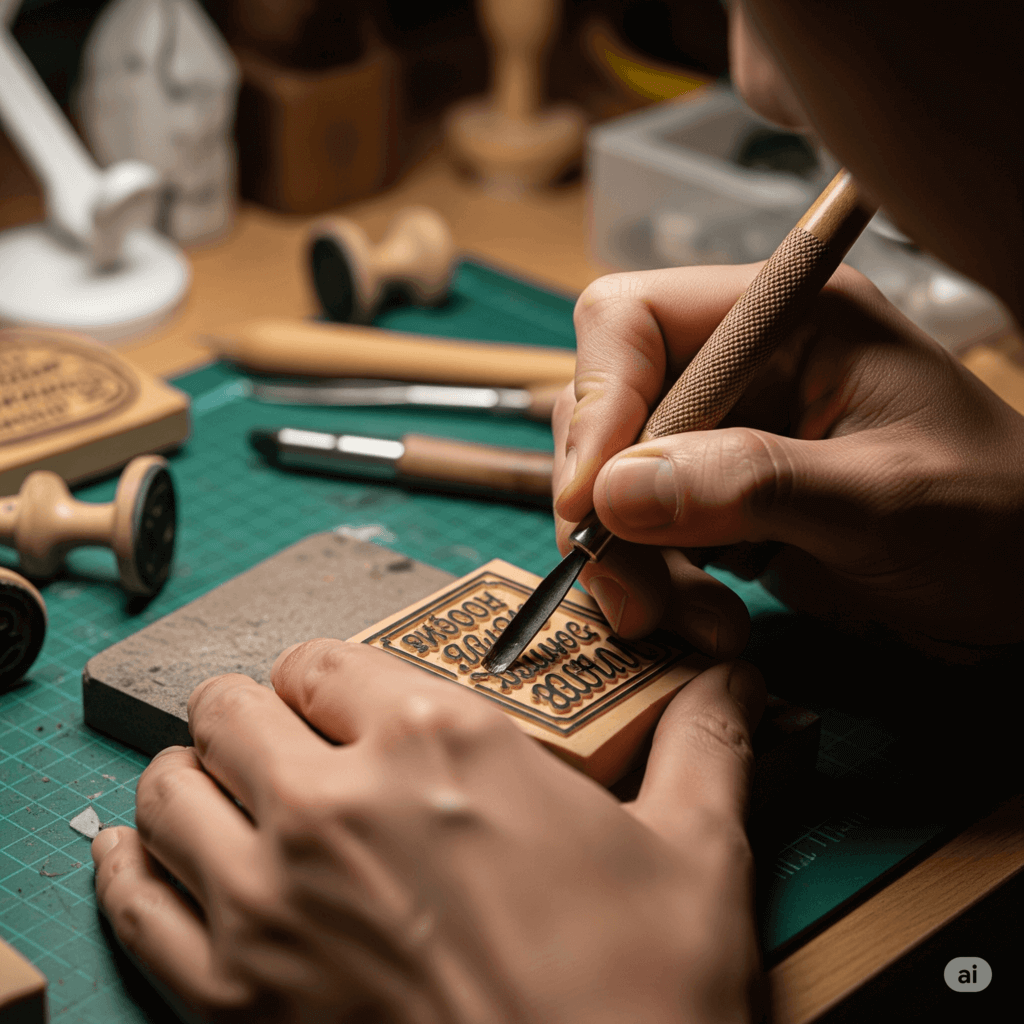
Tired of messy ink pads and smudged rubber stamps? Now you can craft a crisp, personalized seal entirely online—no special software or experience needed. With our tools, anyone can design a in minutes. This guide walks you through the essentials: why digital stamps matter, how to build one step by step, and creative ways to use your new seal.
Digital stamps combine the authenticity of a traditional seal with modern convenience. They reduce paper waste, eliminate ink smears, and let you apply your seal anywhere—on emails, PDFs, or websites—instantly.SealsDigital even embeds optional security patterns to protect against forgery, so your e-seal can serve as a trusted mark of approval.
1. Simple Customization
Choose from round, oval, or square templates—or start with a blank canvas. Then adjust text, font, color, and line thickness using intuitive sliders.
2. Upload Your Logo
Drag and drop your own PNG or SVG file into the center of the stamp. Resize and position it automatically to match your layout.
3. Special Effects
Apply a vintage "worn" texture for an aged look or enable anti-counterfeit micro-lines around the rim for extra authenticity.
4. Download in Multiple Formats
Export your final seal as PNG, SVG, or PDF—ready to embed in digital documents, print invitations, or share on social media.
Follow these easy steps to
- Go to SealsDigital and click "Create Stamp."
- Select a template or blank design.
- Enter your text (up to four lines) and tweak font, size, and curve.
- Upload a logo or icon if desired.
- Pick your colors with the color picker tool.
- Toggle vintage or security effects as needed.
- Hit "Generate" and download your seal.
Once you have your , you can use it to:
Personal & Professional Applications
- Add a branded seal to email signatures and newsletters.
- Create digital certificates or badges for events and courses.
- Design handcrafted-looking invitations and greeting cards.
- Mock up product packaging and thank-you notes for small businesses.
- Apply a secure e-seal on contracts or PDF approvals.
Designing a digital stamp is faster and cleaner than ever. Jump into the.experiment with templates and effects, and download your personalized seal in minutes. No mess, no fuss—just your unique stamp, ready for anything.
