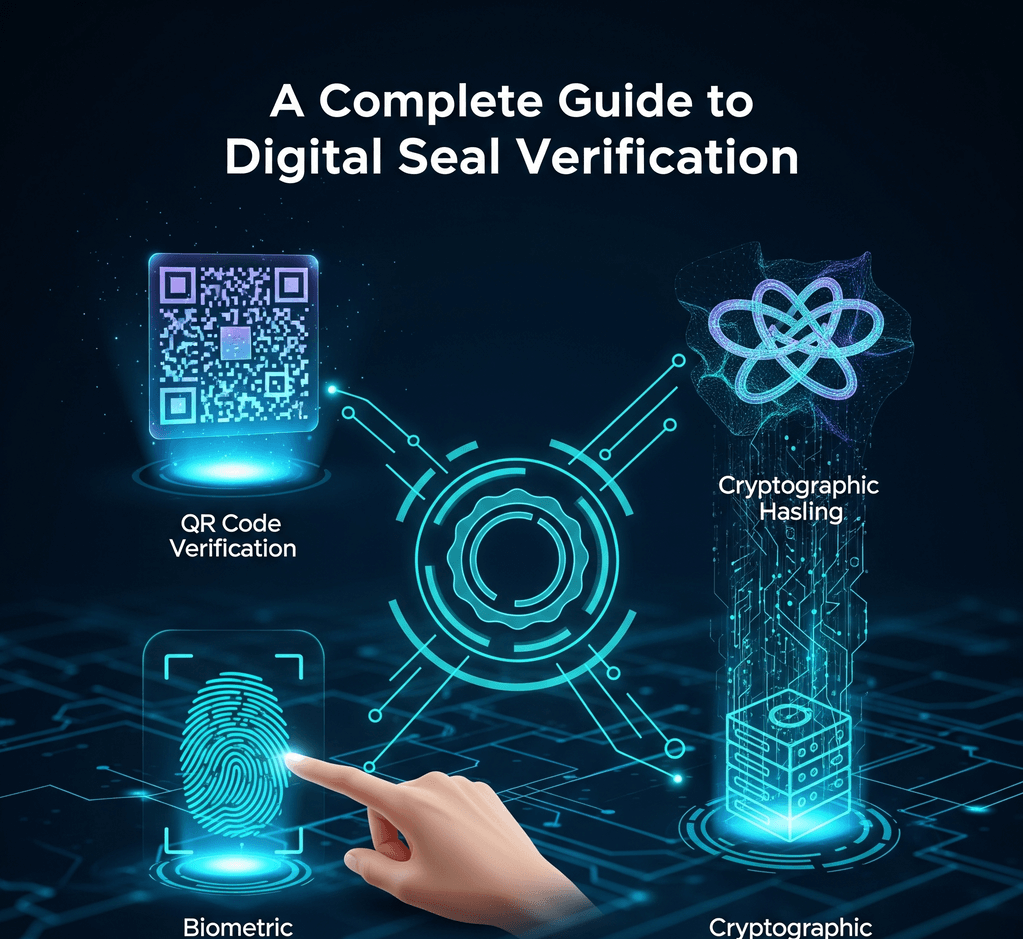
A PDF arrives with a round company seal in the corner. It looks official. The question is whether you can rely on it: did that organization really issue the file, and has anyone changed it since?
The answer depends on what kind of "digital seal" you are looking at. The phrase is used for two very different things, and only one of them can be verified. This guide explains what verification software checks, how to read signature information in a PDF reader, and when a simple stamp image is enough.
The first is a stamp image: artwork in a file such as PNG or SVG that looks like an inked stamp or embossed seal. You might make one with an , scan it from a rubber stamp, or receive it from a designer. A stamp image is a picture. Anyone who has the file can paste it into any document, and the picture itself records nothing about who placed it, when, or whether the page changed afterward.
The second is a certificate-based electronic signature or electronic seal. Here the software creates cryptographic data from the document's content using a private key. A digital certificate, issued by a certification authority or trust service provider, links the matching public key to a named person or organization. That data is bound to the file, so verification software can test it later.
The two can look identical on screen. A signed PDF often shows a stamp-like graphic where the signature sits, and a plain image of a stamp can look just as convincing. The difference is underneath the picture, which is why you cannot verify a seal by looking at it.
When a PDF reader or signing service validates a certificate-based signature or seal, it runs a series of technical checks. None of them involve the visible graphic.
- Integrity. The software recalculates a fingerprint (hash) of the signed content and compares it with the one protected by the signature. If even a small part of the signed content changed, the values no longer match.
- Certificate chain. It confirms that the signer's certificate was issued by an authority the software trusts, and that the chain leads back to a trusted root or a trusted list.
- Validity and revocation. It checks that the certificate was within its validity period at signing time and had not been revoked, typically using a revocation list or an online status service.
- Signing time. If the signature includes a timestamp from a timestamp authority, the software can show when the signature was applied using an independent clock rather than the signer's computer.
- Identity. The certificate names the subject: a person for a signature, or an organization for a seal.
If all checks pass, the reader can say the document has not changed since signing and the certificate came from a trusted source. That is a much stronger statement than "the logo looks right."
In the European Union, the eIDAS Regulation separates two related tools. An electronic signature is used by a natural person to sign. An electronic seal is created by a legal person, such as a company or public body, to show the origin and integrity of data. A seal is not meant to express one person's agreement; it shows that a document came from an organization and has not been altered.
eIDAS also describes levels: simple, advanced, and qualified. Qualified signatures and seals rely on qualified certificates issued by qualified trust service providers, which appear on the EU trusted lists. Qualified electronic signatures have the same legal effect as handwritten signatures across the EU.
Other countries use different terms and rules, and requirements vary by sector and document type. If a law, regulator, or contract partner asks for a particular kind of signature or seal, check the rules that apply to you or ask a qualified adviser. For a side-by-side comparison, see .
Most people meet certificate-based signatures in PDF files. The steps below are general; menus differ between readers and versions.
- Open the file in a reader that validates signatures. Some built-in browser viewers display the signature graphic without checking it. A dedicated PDF reader with a signature panel gives you the actual status.
- Read the signature banner or panel. Readers typically report that all signatures are valid, that at least one signature has problems, or that validity is unknown.
- Open the signature properties. Look for the signer or organization name, the certificate issuer, the signing time, whether a trusted timestamp is present, and whether the document has been modified since it was signed.
- Treat "validity unknown" with care. It often means your reader does not trust the certificate's issuer. That is not proof of forgery, but you should not rely on the signature until it is resolved. Do not simply add a certificate you received inside the same document to your trusted list.
- Review later changes. PDFs can allow form filling or comments after signing. A good reader lists these revisions and lets you view the version that was originally signed.
A stamp image is a useful visual signal. It can show that an invoice was marked "Paid" or which department issued a letter. It cannot confirm who placed it, when, or whether the document changed afterward. Zooming in on pixels is not reliable proof, because a copied image is identical to the original.
If you need to confirm a document that carries only a stamp image, verify it outside the file. Contact the sender through a phone number or address you already have, compare the document with the record in the issuing system, or ask for a version with a certificate-based signature.
A visual stamp is often all a workflow needs:
- internal status marks such as Received, Approved, Paid, or Filed, where your own system records who handled the item;
- branding on packing slips, quotes, letterheads, and certificates of participation;
- Draft, Copy, Void, or Confidential labels that guide readers;
- documents where the recipient expects a stamp mark and identity is confirmed through other means.
For these jobs, design the artwork, export a transparent PNG, and . Spend a moment on so the mark never hides an amount, date, or signature line.
Use a certificate-based service when:
- a law, regulator, court, or counterparty requires a specific type or level of signature or seal;
- recipients outside your organization must be able to confirm origin and integrity on their own;
- the document has significant legal or financial weight and tampering would matter;
- your organization issues many documents automatically and wants each one sealed in its own name.
When comparing providers, ask whether they offer the level you need, whether signatures include trusted timestamps, and how documents stay checkable for years. For a qualified service in the EU, confirm the provider appears on the relevant trusted list.
You do not have to choose between a familiar stamp and verifiable proof. Many signing tools let you choose an image as the visible appearance of a signature field. Your company stamp artwork can sit in that spot while the certificate-based data does the verification work.
Order matters. Add visual stamp images before the document is signed. Changes made after signing can make the reader report that the document was modified, or show the signature as having problems. If several people sign, agree on a sequence before the first signature is applied.
Once you know which kind of seal is in front of you, the next step is clear: validate a certificate-based signature in a capable reader, and confirm a stamp image through a separate channel. For practical design and document advice, browse .
Can a PNG stamp be verified like a digital signature?
No. A PNG stamp is an image with no cryptographic link to a signer or to the document's content. To make a document verifiable, sign or seal it with a certificate-based service, and use the PNG as the visible appearance if you like.
Why does my PDF reader say signature validity is unknown?
Usually the reader does not trust the certificate's issuer, or it could not check revocation status. The document may be fine, but you cannot rely on the signature yet. Check the certificate details and confirm with the sender through a known channel.
Is an electronic seal the same as a company stamp image?
No. Under eIDAS, an electronic seal is certificate-based data created by an organization to show a document's origin and integrity. A company stamp image is artwork. The two may look alike on the page, but only the electronic seal can be technically verified.
Does adding a stamp image after signing affect the signature?
It can. Changes after signing may cause the reader to report that the document was modified or that the signature has problems. Place stamp images first, then apply the certificate-based signature or seal.
