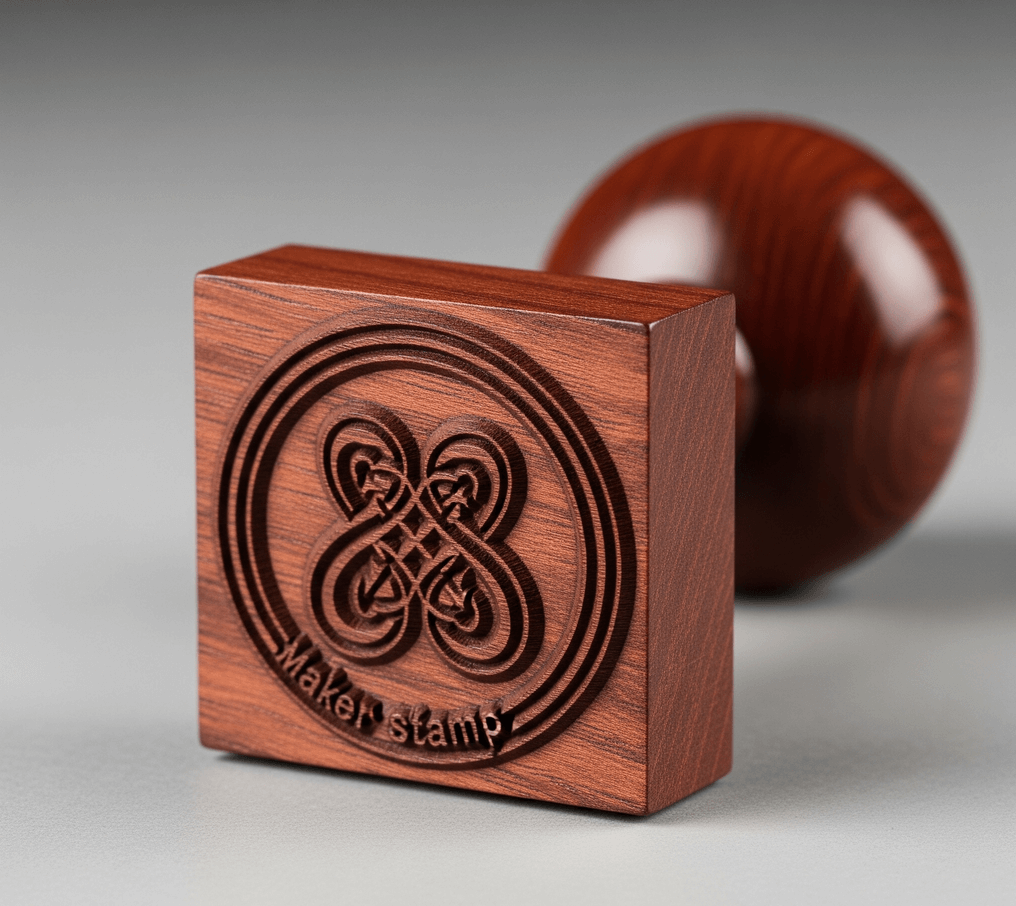
When people look for a stamp maker, they often expect a quick way to put a name inside a circle. The questions that come up after the first design are more practical: which file to download, why small text blurs on paper, whether a stamp image counts as a signature, and how to stop someone from reusing it. This article answers those questions as directly as possible, including where an helps and where it does not.
Templates help you start, but the details decide whether the result is usable. Look for:
- Exact size control. You should be able to set the width and height, or diameter, to match where the stamp will be used instead of scaling a picture by eye.
- Real text tools. Curved and straight text with control over font, size, letter spacing and position. Curved text without spacing control often crowds on the inner ring.
- Vector export. SVG or EPS files keep edges sharp at any size, and they are what most stamp manufacturers and print shops ask for.
- Transparent PNG. A stamp with a white box behind it covers document text and looks pasted on.
- A way to keep the master. Sooner or later you will need to change a date, address or name. Reopening the original design is much easier than rebuilding it from an exported image. On SealsDigital, subscribers can save designs to My Library for this.
Visual effects matter less than these basics.
Each format has a job:
- PNG is a raster image with a transparent background. Use it to place a stamp on PDFs, Word files, emails and e-signature platforms. Because it is made of pixels, choose a larger export (SealsDigital offers 1x, 3x and 10x) if the stamp will be printed or enlarged.
- JPG is also raster but has no transparency, so the stamp sits on a white rectangle. It is useful when a system accepts only JPG.
- SVG is a vector format, so it scales without losing sharpness. It suits websites, design software and many stamp manufacturers.
- EPS is an older vector format that many print shops and engravers still request.
- PDF is convenient for sending proofs and for printing.
- DOCX places the stamp in a Word document, which is handy for office templates. Print a test page before relying on it.
On SealsDigital, designing and previewing are free. A single PNG export costs $2.50, PNG plus SVG and EPS costs $2.90, and all six formats cost $3.50; the page on lists the unlimited options too.
If files pass between designers, office staff and printers, these notes on cover naming, editable masters and what to send to whom.
Screens enlarge everything, and stamps live at small sizes. The usual causes are:
- Text that is too small or too thin. Thin serifs, light weights and condensed fonts break up first. Many rubber stamp vendors publish a minimum text size and line weight, so check theirs before you finalize.
- Hairline borders. A very thin border may print broken or not at all. Keep borders at least as heavy as the text strokes.
- Crowding. Text packed against the border or other lines merges when ink spreads. Leave clear space around each element.
- Low-resolution exports. A small PNG enlarged for print turns soft. Export at a larger scale or use a vector format.
- Colors that drop out in copies. Light or bright inks can fade or vanish in grayscale printing and black-and-white photocopies. If that happens, these trace the problem stage by stage.
The check is the same every time: design at actual size, print at 100 percent scale, and read the result at normal distance. If you have to squint, the stamp needs larger or bolder text, or fewer words.
A stamp image is visual artwork. It shows a name, a status or a mark, but it does not prove who applied it and cannot show whether a document changed afterward. Those functions belong to certificate-based digital signatures and electronic seals. In the EU, for example, the eIDAS Regulation defines electronic signatures and electronic seals, and qualified ones rely on certificates from qualified trust service providers.
Whether a stamp is acceptable on a particular document depends on the document, the jurisdiction and the party receiving it. Some stamps are regulated: notary seals follow rules set by the authority that commissions the notary, and certain official and company seals must be made or registered through specific channels. A stamp maker cannot satisfy those rules for you, and you should never create a seal that imitates an authority you do not hold.
Two tips that circulate online deserve a correction. Saving a file as PDF/A makes it suitable for long-term archiving; it does not make the document tamper-proof. And hiding marks or identifiers inside a stamp image does not authenticate it, because anyone can copy the visible stamp.
Yes, within limits. Typical workflows look like this:
- Master plus small edits. Keep one master stamp, change only the date or name for each use, and export again.
- Stamping PDFs. Export a transparent PNG, then in the browser, resizing and positioning it so it does not cover text.
- Office documents. Insert a PNG into a Word or Google Docs template, or export a DOCX directly.
- Physical stamps. Send SVG or EPS artwork to a manufacturer for a rubber stamp or embosser.
Some teams need more automation, such as generating hundreds of personalized stamps from a spreadsheet or creating stamps through an API. Those are specialized features, so confirm that a tool documents them before you build a process around them.
Assume that any stamp image you share can be copied. Prevention is about controlling the file and the process around it:
- Limit who holds the files. Keep the master design and exported images in a restricted folder, not in a shared drive or a long email thread.
- Pair the stamp with an approval record. A stamp on a document should match an entry in a log, a ticket, or an e-signature that records who approved it.
- Retire old versions. When wording changes, delete outdated exports and tell everyone which version is current.
- Use real verification where it matters. For documents that must be verifiable, use a certificate-based digital signature. A QR code that links to a record you control can help readers check a document's status, but the check happens on your side; the code itself can be copied like any other part of the image.
- The wording matches the approved source, letter for letter.
- The stamp is set to its real-world size.
- Text and borders read clearly on a 100 percent print.
- The background is transparent for digital use.
- You know which formats you need: PNG for documents, SVG or EPS for a manufacturer.
- The master design is saved somewhere you can reopen it.
Most stamp maker questions come down to three points: export the right format for the job, design at real size so the text stays legible, and remember that a stamp image is artwork, not proof of identity. With those settled, a stamp maker is a quick, inexpensive way to produce consistent stamps for paper and screen. For more practical walkthroughs, browse our .
Do I need an account to download a stamp?
On SealsDigital, a single export needs no account. You design and preview for free, then pay for the export you choose. A subscription is useful if you want to save designs to My Library and reopen them later.
Can I edit a stamp after downloading it?
An exported PNG or JPG is a flat image, so changing its text is difficult. Edit the original design and export again instead. Vector files such as SVG can be edited in design software, but working from the master design is usually simpler.
What is the difference between a stamp maker and an AI stamp generator?
A stamp maker gives you an editor and templates to build the design yourself. An AI stamp generator proposes layouts from a short description, which you then refine in the same kind of editor. Either way, you still check wording, size and legibility before export.
Can I turn my design into a physical rubber stamp?
Yes. Export SVG or EPS artwork and send it to a rubber stamp or embosser manufacturer. Confirm the final size, ink color and their minimum line weight before production.
